Identity Security
Passkey Recovery Plan: Avoid Lockouts When Devices Are Lost
A practical passkey rollout and recovery checklist for individuals and small teams: backup devices, recovery codes, security keys, and lost-device response.
- Use source-backed steps before account recovery becomes urgent.
- Prioritize MFA, backups, device updates, and phishing-resistant habits.
- Save only the guides you need; no account is required.
Updated May 26, 2026. Passkeys reduce password phishing risk, but they do not remove account-recovery risk. A passkey rollout fails when the only enrolled phone is lost, the only admin is traveling, or a weak fallback remains open because nobody documented how recovery works.
Think of passkeys as a stronger front door, not as the whole building. You still need spare keys, an inventory, a lockout drill, and a plan for removing access from lost devices.
What changes with passkeys
| Old password habit | Passkey-era replacement | Remaining risk |
|---|---|---|
| Memorize or store a password | Use device-bound or synced passkey | Device loss or cloud account recovery |
| Type secret into site | Approve with local biometric/PIN | Fake support flows and weak fallback |
| Reset by email/SMS | Recover through platform rules | Email compromise still matters |
| One admin knows everything | Documented owner and break-glass path | Orphaned accounts |
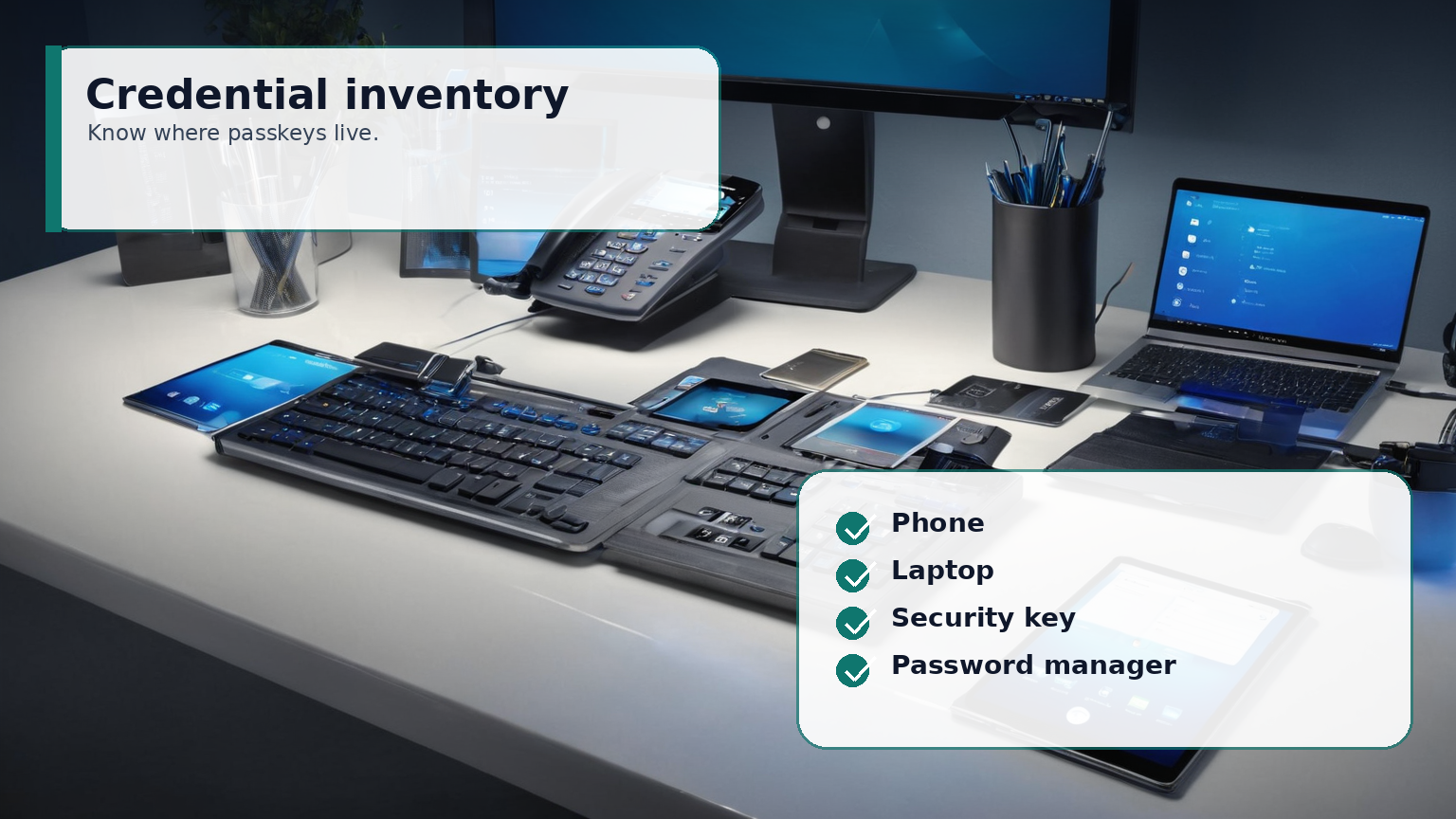
Step 1: inventory where passkeys live
For each critical account, write down the account owner, passkey location, backup authenticator, recovery email, recovery phone if used, and emergency contact. Do not store secrets in the inventory itself. Store facts that let you act under stress.
Individuals should include personal email, password manager, bank, domain registrar, cloud storage, and phone account. Small teams should include Microsoft 365 or Google Workspace admins, payroll, hosting, DNS, accounting, ad platforms, and source-code repositories.
Step 2: add a backup before removing fallbacks
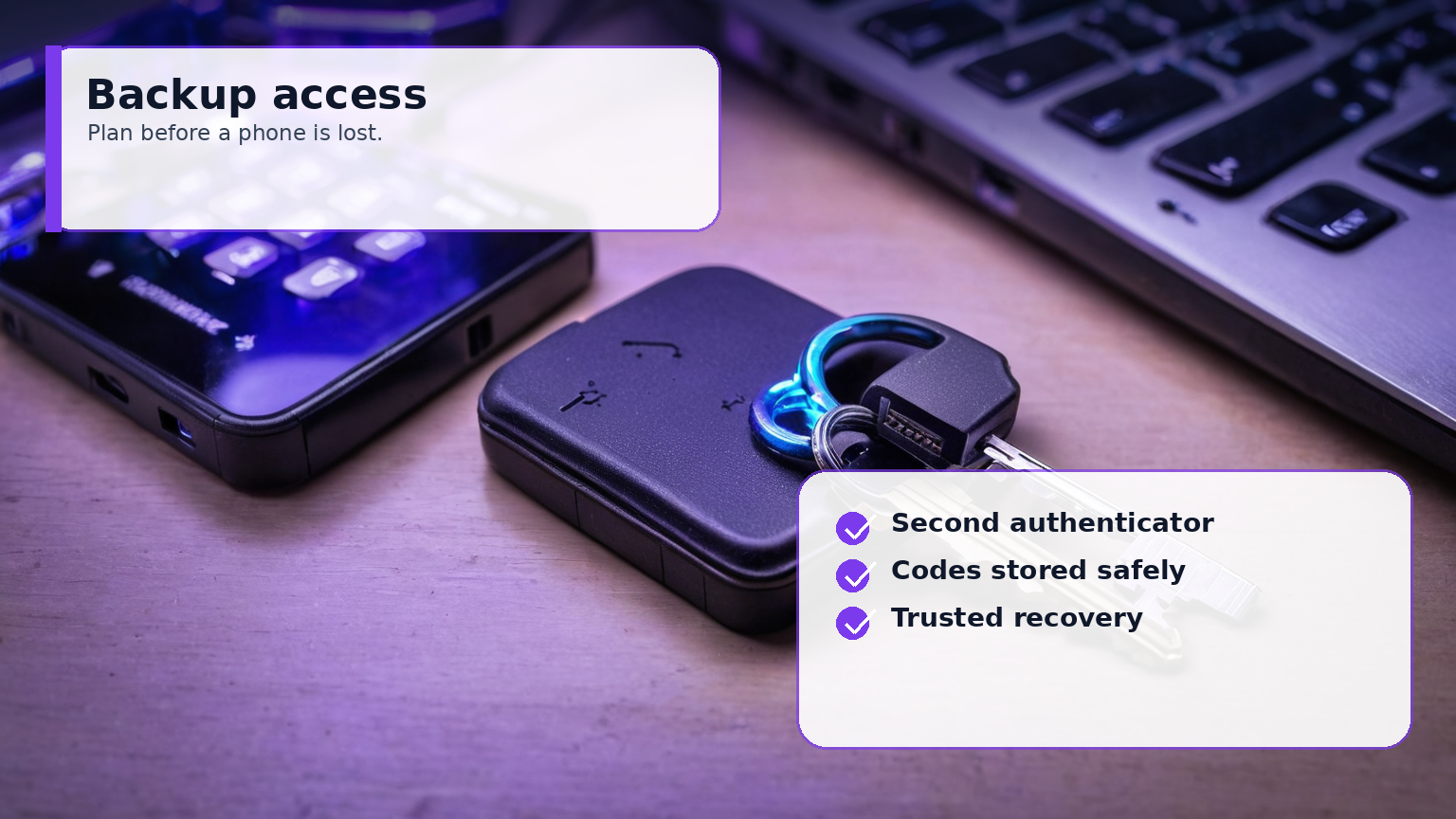
A good backup is independent. A second passkey synced through the same phone ecosystem is convenient, but it may not help if that ecosystem account is locked. Consider a second trusted device, a hardware security key, printed recovery codes in a safe, or an admin break-glass account protected by strict monitoring.
Do not keep SMS as the only recovery method for important accounts if stronger options are available. But also do not rip out every fallback on day one. The sequence is: enroll, verify, document, test, then tighten.
Step 3: write the lost-device response
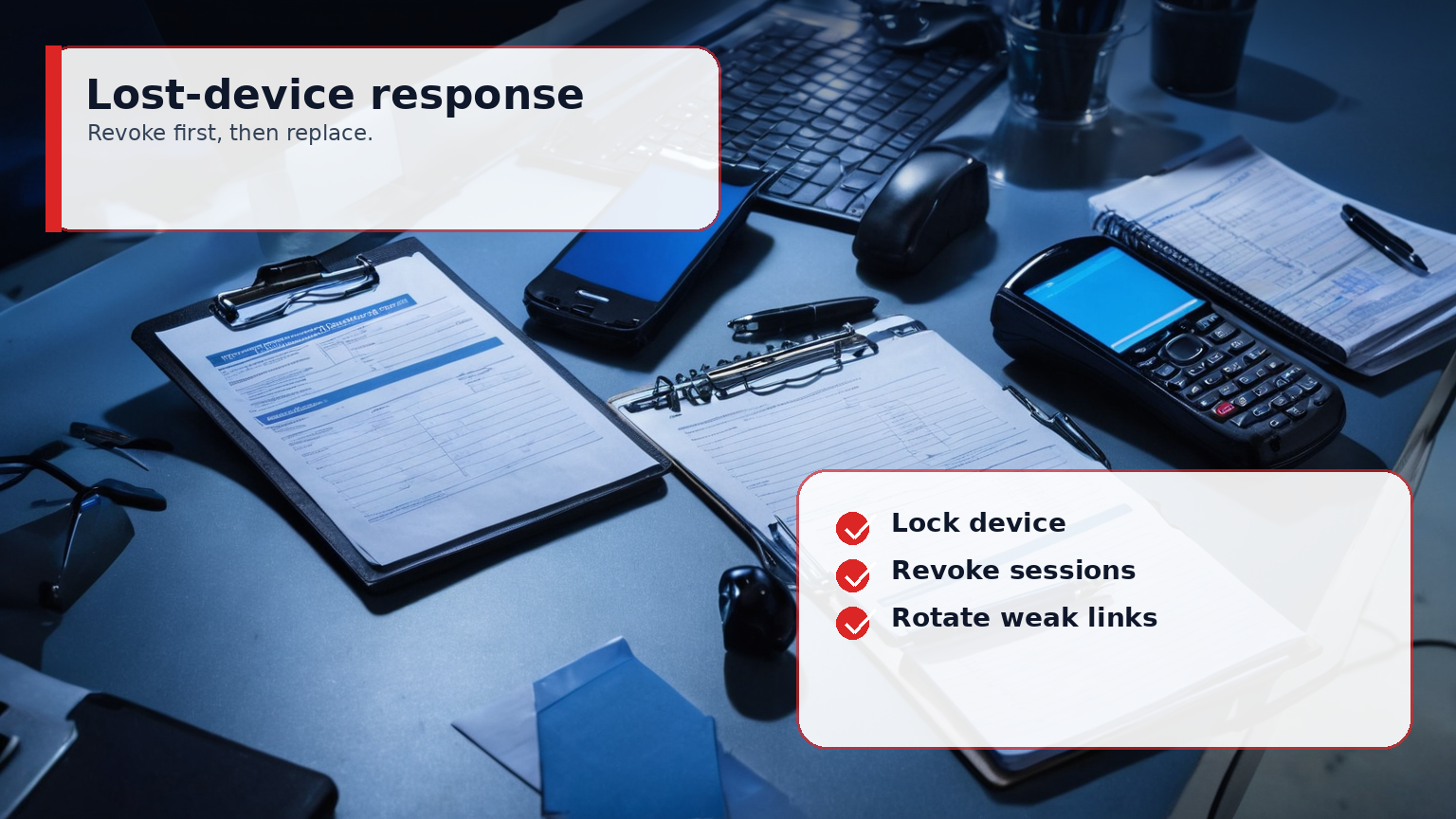
A lost phone or laptop is a security event and an availability event. The response should be short enough to follow from another device:
- Lock or erase the lost device through the platform tool.
- Sign out active sessions for critical accounts.
- Remove passkeys tied to the lost device where the service allows it.
- Rotate passwords only for accounts that still have password fallback or suspected compromise.
- Add replacement passkeys and update the inventory.
Step 4: pilot passkeys for teams
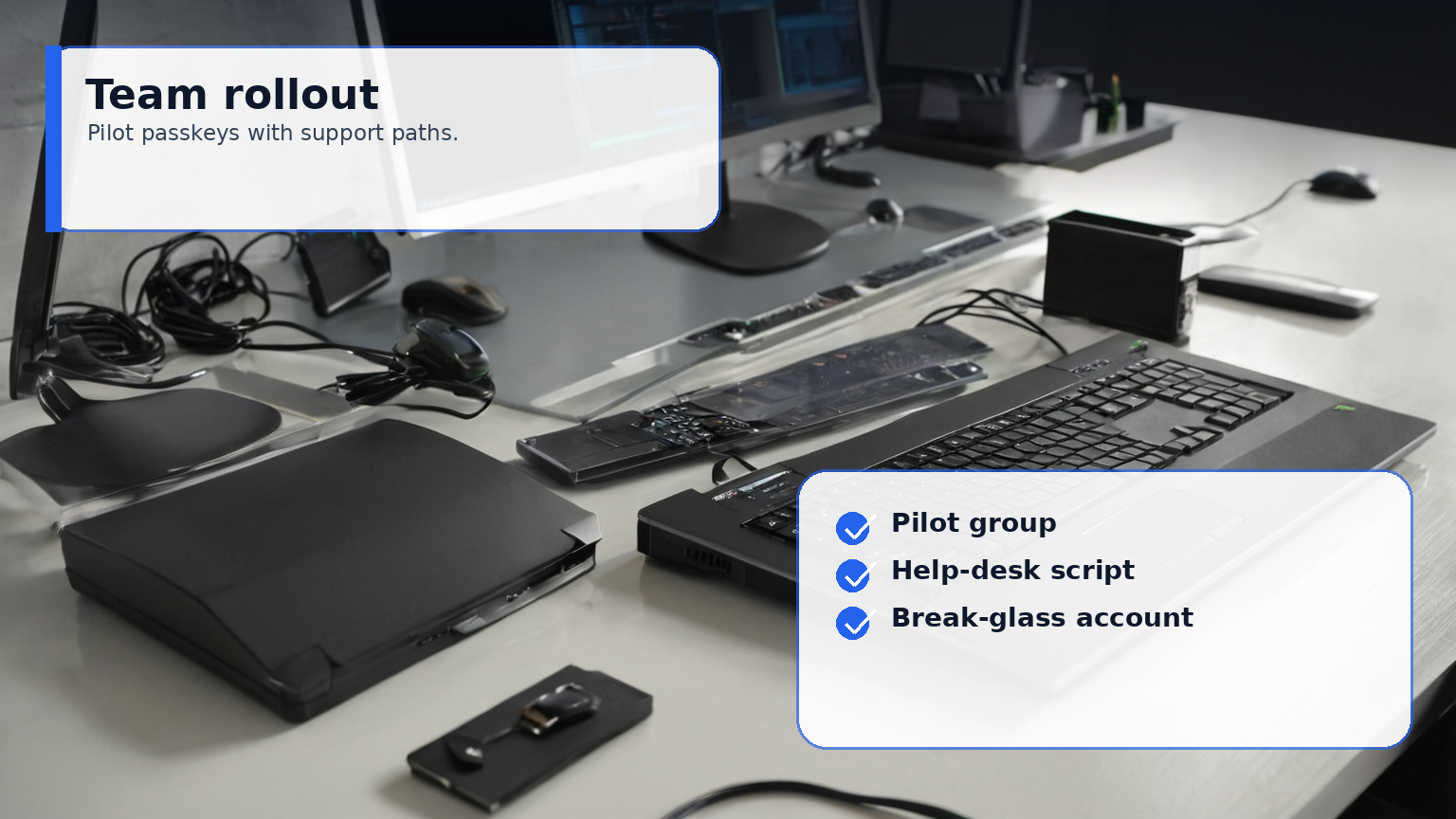
Start with a pilot group that includes one technical admin, one normal user, and one recovery owner. Test new-device enrollment, lost-phone recovery, contractor offboarding, and admin absence. If the help desk cannot explain the flow, users will create unsafe workarounds.
Minimum checklist
- Two independent recovery paths for every critical account.
- At least one backup authenticator not stored in the same bag as the primary laptop.
- Recovery codes printed or stored in an encrypted vault with access rules.
- Quarterly review of stale devices and passkeys.
- Documented break-glass account for organizations, with alerting.
- A tested lost-device script.
Passkeys are worth adopting because they attack phishing at the protocol level. The operational win comes when recovery is boring, documented, and tested before the stressful day.