Identity Security
OAuth Consent Phishing: Audit and Lock Down Third-Party App Access
A practical guide to finding risky OAuth app grants, responding to consent phishing, and setting safer approval rules for Microsoft 365 and Google Workspace.
- Use source-backed steps before account recovery becomes urgent.
- Prioritize MFA, backups, device updates, and phishing-resistant habits.
- Save only the guides you need; no account is required.
OAuth consent phishing is a cloud-era trick that can look less dramatic than a stolen password but still expose mail, files, contacts, calendars, and identity data. Instead of asking a victim to type credentials into a fake page, the attacker asks the victim to approve a malicious or misleading application. If the user clicks Allow, the app may receive tokens and permissions to read data through Microsoft Graph, Google APIs, or another identity platform. That is why a normal password reset is not a complete fix: the risky app grant can remain until it is revoked.
Updated 2026-05-25. This guide references current Microsoft Entra, Google Workspace, CISA, NIST, and FBI resources listed at the end of the article.
Why OAuth consent phishing deserves its own playbook
Multi-factor authentication helps against many password attacks, but OAuth consent phishing abuses a different decision point: the authorization prompt. A real sign-in page may appear, the domain may belong to Microsoft or Google, and the user may already be authenticated. The dangerous part is the requested access: Mail.Read, offline_access, Files.Read.All, directory profile access, or administrator consent for many users.
That distinction changes the response. Resetting the password may be necessary if the account is also compromised, but it does not automatically answer these questions: Which app was approved? Which scopes were granted? Did the app receive refresh tokens? Did it read mail, create forwarding rules, download files, or use contacts for more phishing? A useful playbook treats the event as an identity and SaaS data access incident, not only as an endpoint cleanup task.
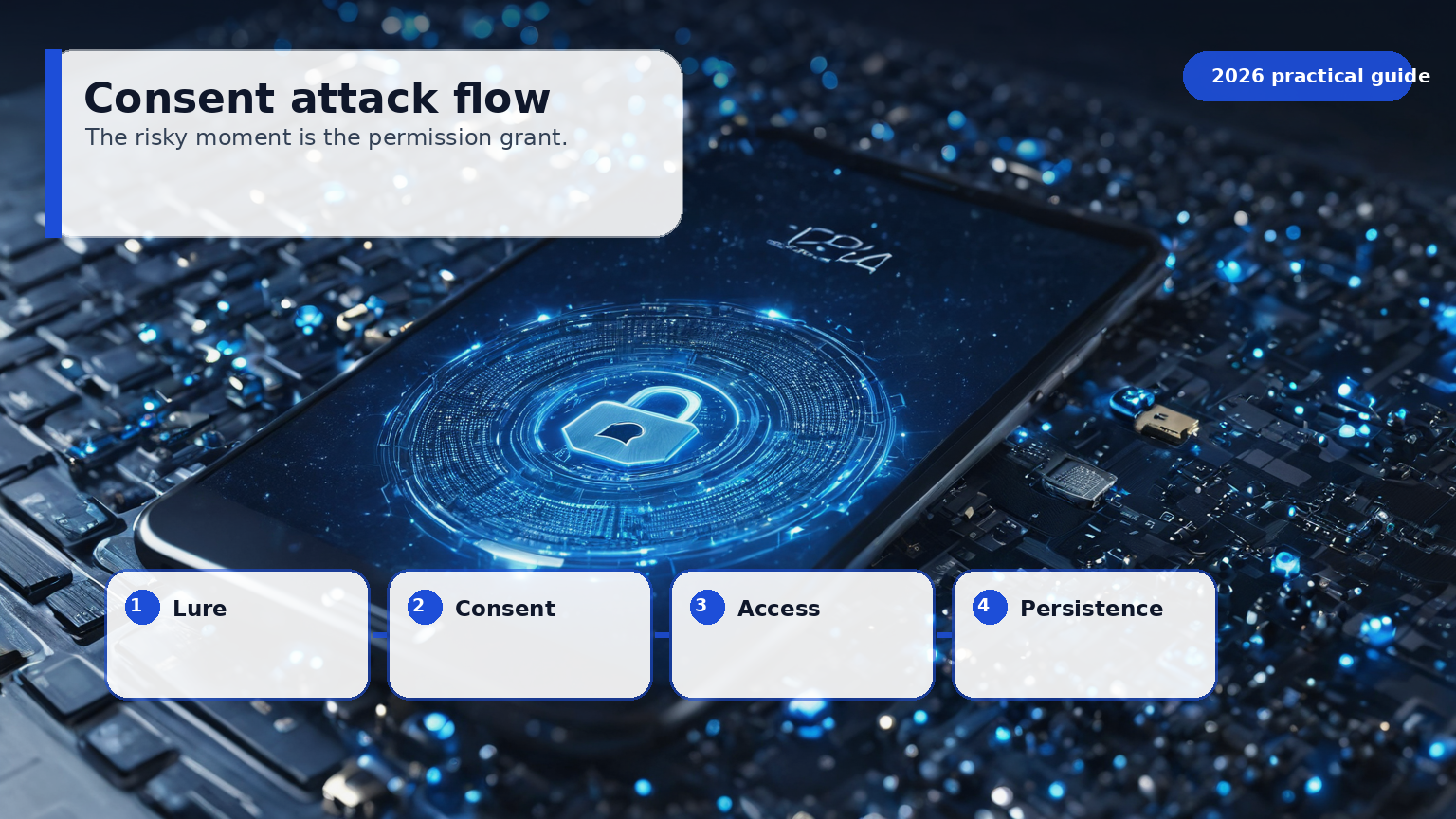
What to inventory before an incident
Start with a tenant-wide list of enterprise applications, app registrations, service principals, and third-party app grants. In Microsoft 365, review enterprise applications and OAuth app governance signals in Entra ID and Microsoft Defender for Cloud Apps if licensed. In Google Workspace, review API controls and third-party app access settings in the Admin console. The exact menu names change, but the questions stay stable: who approved the app, what scopes were granted, which users are affected, when was it last used, and whether the publisher is verified.
A spreadsheet is acceptable for a small business if it is kept current and protected. Record the app name, publisher, platform, data scopes, business owner, approval date, renewal date, affected users, and removal procedure. Mark apps that can read mail, read or write files, maintain offline access, manage users, or access all users’ data. These are not automatically malicious, but they deserve stronger justification.
| App attribute | Low-risk example | Higher-risk signal | Action |
|---|---|---|---|
| Publisher | Verified vendor already under contract | Unknown publisher or lookalike name | Hold for review |
| Scope | Sign in and read basic profile | Mail, files, directory, or offline access | Require owner approval |
| User base | One pilot user | Many users or admin-wide consent | Review logs and data need |
| Business owner | Named employee and renewal date | Nobody remembers installing it | Revoke or quarantine |
| Data path | Data stays in approved SaaS | Exports to unknown storage | Security and legal review |
Set a safer default consent policy
The goal is not to make work impossible. The goal is to stop a single distracted click from granting broad access to business data. For most small organizations, a reasonable baseline is:
- Users may request apps, but broad or sensitive scopes require admin approval.
- Admin approval requires a business owner, verified publisher, scope review, and renewal date.
- High-risk permissions such as mail read/write, file read/write across users, directory access, and offline access are treated as sensitive.
- Old apps are reviewed at least quarterly, and unused apps are removed.
- Break-glass administrator accounts are not used for routine app consent.
Microsoft and Google both provide controls to restrict or review third-party app access. The exact setting should be tested with a small group before a hard rollout, because blocking every unknown app at once can interrupt legitimate workflows such as scheduling tools, help desk integrations, CRM sync, or backup products. Announce the rule, provide a request path, and explain that the purpose is data protection rather than bureaucracy.
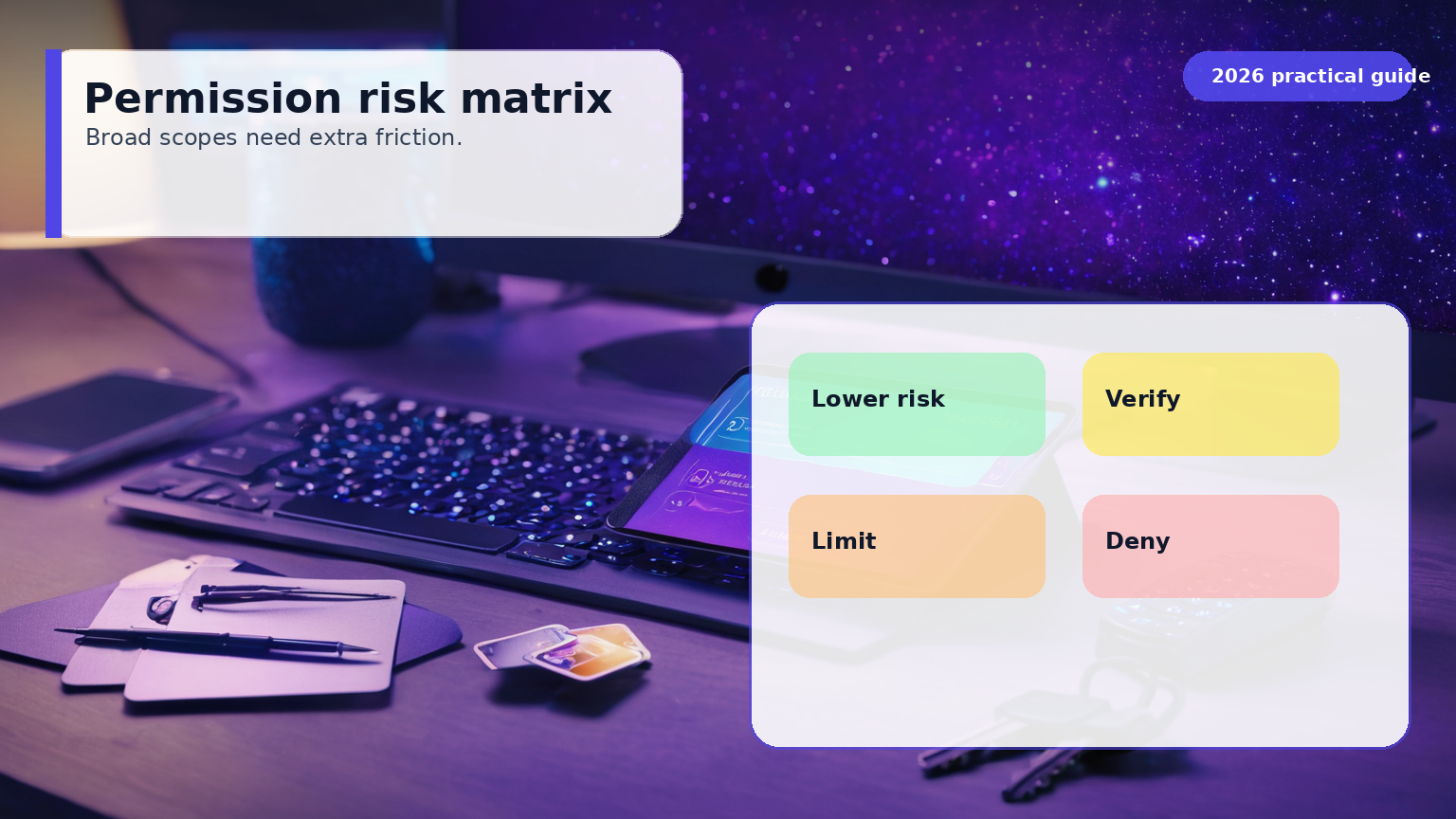
The five-question review that catches most mistakes
A consent prompt should not be approved because the logo looks familiar. Use a short checklist that non-specialists can understand:
- Is the publisher verified and expected? Attackers often use names that resemble internal projects or well-known brands.
- Are the scopes limited to the job? A calendar scheduling tool should not need broad mailbox, file, or directory rights without a clear reason.
- Who owns the app? Every approved app needs a business owner who can answer why it exists.
- What data can leave the tenant? OAuth is often a bridge from your identity provider to another service.
- How will access be removed? Offboarding must cover app grants, not only passwords and laptops.
If nobody can answer these questions, deny the request for now. That does not mean the app is bad; it means the organization does not yet understand the access it is granting.
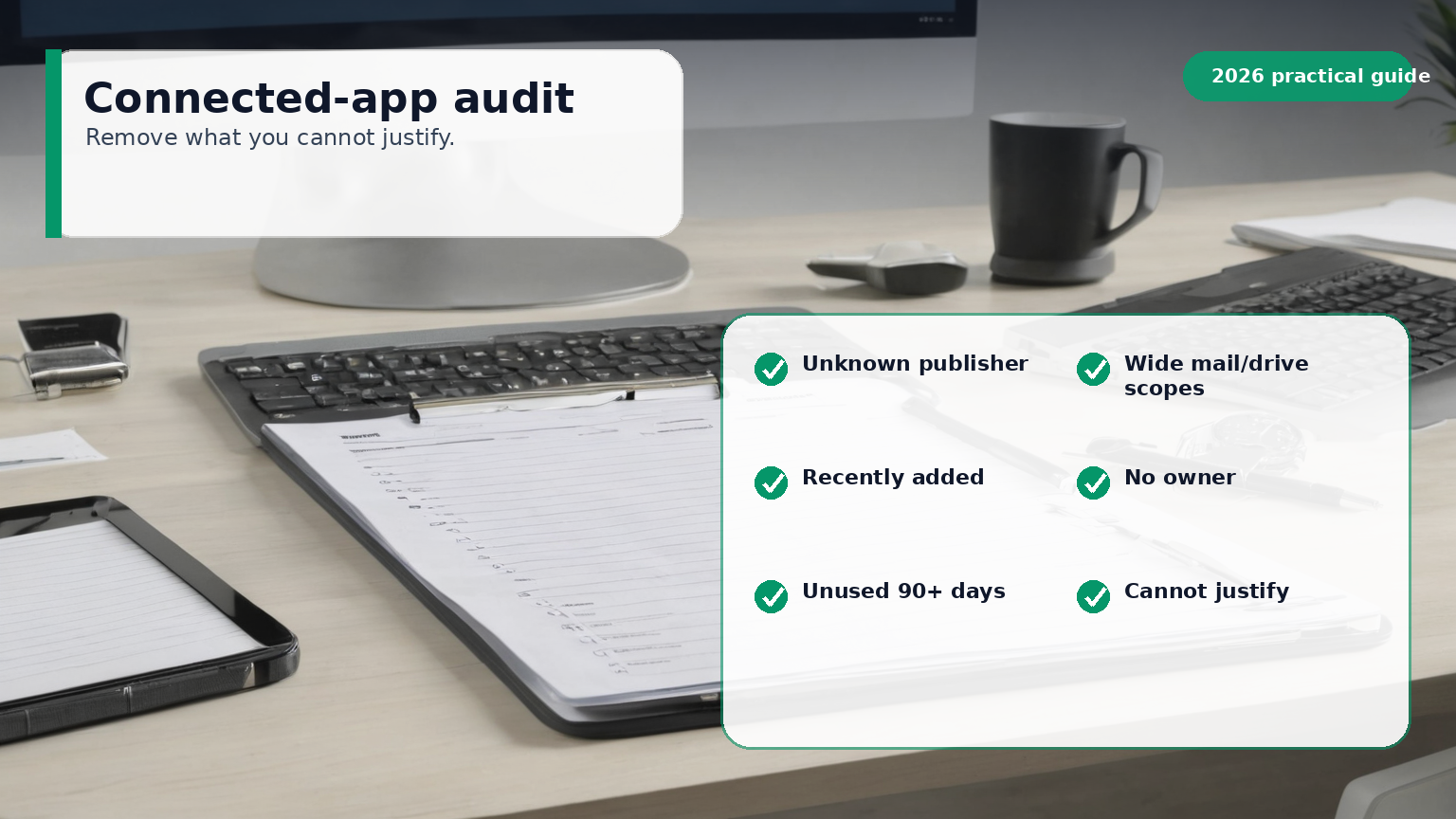
Response steps when a user approved a suspicious app
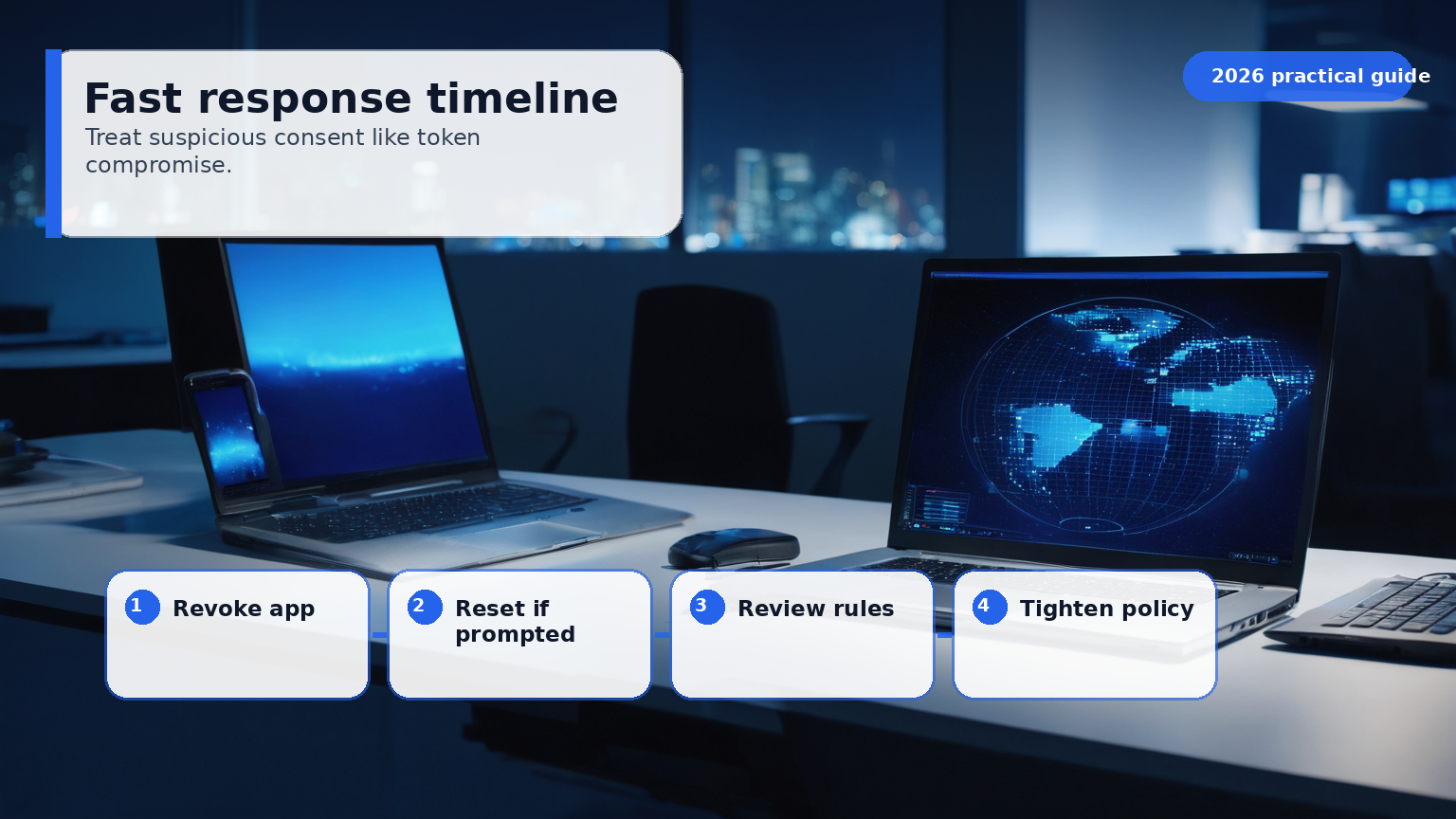
Treat the first hour as containment and evidence preservation. Capture the app name, application ID, publisher, redirect URI, granted scopes, approving user, timestamp, affected users, source IPs, and available audit log entries. Then disable or remove the app grant and revoke refresh tokens or sessions for affected users. If the app had mailbox permissions, check for inbox rules, forwarding, delegated access, suspicious searches, mass downloads, and sent phishing messages. If file permissions were granted, review shared links, external downloads, and unusual access to sensitive folders.
Do not run a destructive cleanup script before preserving enough evidence to scope the incident. The organization may need logs for insurance, customer notification, legal counsel, or law enforcement. NIST incident handling guidance is older than many SaaS consoles, but its core phases still apply: prepare, detect and analyze, contain, eradicate, recover, and learn.
What to hunt after revocation
Revoking the app is only the beginning. Look for secondary activity that the token enabled:
- Mailbox forwarding rules, hidden inbox rules, and suspicious delegated mailbox access.
- New external sharing links, bulk file downloads, or access to finance, HR, legal, and customer folders.
- Sign-ins from unfamiliar locations, especially shortly before the consent event.
- New service principals, app registrations, or admin consent events.
- Contact harvesting followed by lookalike phishing from personal or newly created accounts.
- Password resets or MFA changes near the same time window.
For a small business without a security operations center, pick a practical lookback window such as 7 to 30 days around the approval time, then extend it if you find suspicious activity. Export the relevant logs before retention limits erase them. If regulated data may have been accessed, involve legal or privacy counsel early.
Training users without blaming them
OAuth consent phishing often succeeds because the prompt is hosted on a legitimate identity provider page. Telling users to “check the URL” is not enough. Better training shows real examples of permission prompts and explains risky words: read all mail, maintain access, read and write files, act as you, access organization data, or request administrator approval. Users should know where to report a suspicious app request and should not feel punished for asking.
Make the safe path easier than the risky path. A short app request form can ask for the vendor link, business purpose, data needed, team owner, and urgency. Security or IT can then approve, deny, or suggest a safer alternative. Over time, publish an internal list of approved apps so employees do not repeatedly request the same tools.
Practical baseline for Microsoft 365 and Google Workspace
For Microsoft 365, review user consent settings, admin consent workflow, verified publisher requirements, risky OAuth app detections where available, and audit logging retention. Pay special attention to applications with offline access or broad Microsoft Graph permissions. For Google Workspace, use API controls to classify third-party apps as trusted, limited, or blocked, and review which apps can access Gmail, Drive, Calendar, and Admin APIs.
The most important operational habit is recurring review. A one-time cleanup helps, but SaaS access changes constantly as employees test tools, vendors change integrations, and projects end. Put OAuth app review on the same calendar as user access review and backup restore testing. Quarterly is a reasonable starting point for many small teams; monthly may be better for organizations with sensitive data or frequent vendor changes.
A minimal policy you can adopt this week
Use this lightweight policy if you do not have one yet:
Third-party applications that access company identity, email, calendar, files, contacts, directory, finance, HR, customer, or administrative data require approval before use. Approval must document the app owner, publisher, requested permissions, business purpose, affected users, data handling, and review date. Apps with broad, offline, or administrative access require security review. Unused or ownerless apps will be removed.
This language is intentionally plain. The value comes from enforcing it consistently and giving employees a fast request path. The best policy is not the longest policy; it is the one that changes approval behavior before an attacker does.
Sources and latest review
Latest review date: 2026-05-25.
- Microsoft Learn, Protect against consent phishing
- Microsoft Defender for Cloud Apps, Investigate and remediate risky OAuth apps
- Google Workspace Admin Help, Control which third-party and internal apps access Google Workspace data
- CISA, Cybersecurity Performance Goals
- CISA, Phishing Guidance: Stopping the Attack Cycle at Phase One
- NIST, Digital Identity Guidelines
- NIST, Computer Security Incident Handling Guide
- FBI IC3, 2024 Internet Crime Report