Account Security
Passkey Recovery Kit: A Household Plan Before You Lose a Device
Passkey Recovery Kit: A Household Plan Before You Lose a Device with practical steps, current-source caveats, checklists, and safe decision points.
- Use source-backed steps before changing security settings.
- Prioritize MFA, updates, backups, segmentation, and phishing-resistant habits.
- Save only the guides you need; no account is required.
This guide is current as of 2026-06-08 and is designed to preserve helpful-content and AdSense readiness: practical steps, conservative claims, clear caveats, and no affiliate filler.
Quick decision table
| Decision | Safer default | Why it matters |
|---|---|---|
| First check | Verify the official rule or health/safety limit | Prevents stale advice |
| Timing | Plan before the stressful moment | Reduces rushed choices |
| Documentation | Keep a simple record | Supports recovery and accountability |
| Escalation | Know when to ask a professional | Avoids guessing in high-stakes cases |
| Review | Repeat monthly or seasonally | Keeps the plan current |
Step 1: Passkeys reduce phishing risk, but households need a recovery plan for lost phones, dead laptops, travel, and codes stored inside locked accounts
Passkeys reduce phishing risk, but households need a recovery plan for lost phones, dead laptops, travel, and codes stored inside locked accounts. A recovery kit keeps stronger sign-in from becoming a single point of failure. Add a privacy-safe household recovery note: account name, official recovery URL, passkey location category, backup path, and last drill date. Do not write down passkeys, passwords, one-time codes, seed phrases, or identity documents.
Step 2: Start with accounts that can lock money, identity, work, health, cloud storage, or family administration
Start with accounts that can lock money, identity, work, health, cloud storage, or family administration. Mark one owner and one backup contact for each account. Add a privacy-safe household recovery note: account name, official recovery URL, passkey location category, backup path, and last drill date. Do not write down passkeys, passwords, one-time codes, seed phrases, or identity documents.
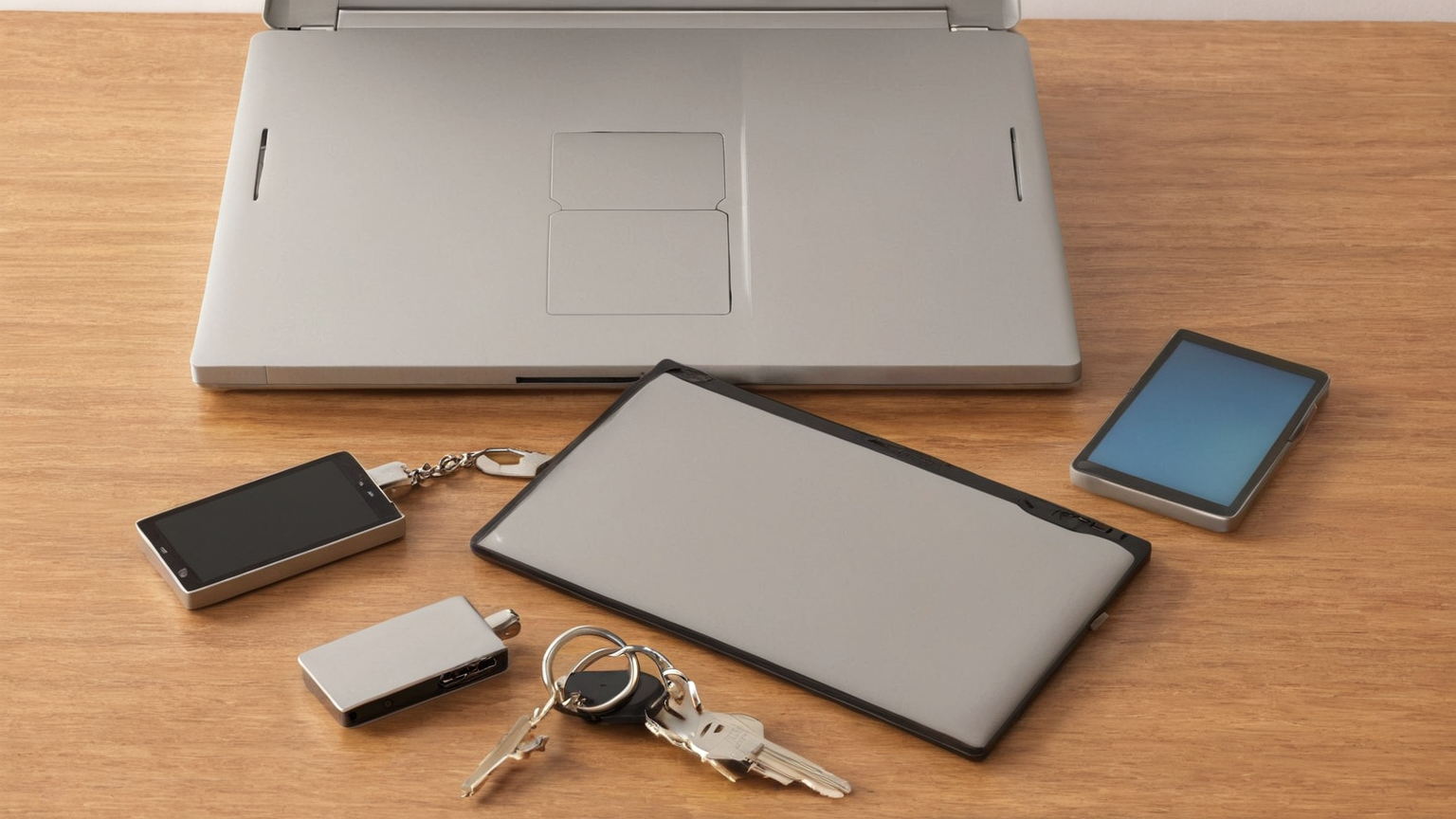
Step 3: A strong setup usually has more than one trusted path: a primary phone, a second device, hardware security key, saved backup codes, or protected recovery email
A strong setup usually has more than one trusted path: a primary phone, a second device, hardware security key, saved backup codes, or protected recovery email. Add a privacy-safe household recovery note: account name, official recovery URL, passkey location category, backup path, and last drill date. Do not write down passkeys, passwords, one-time codes, seed phrases, or identity documents.

Step 4: A drill means confirming current recovery options, a second sign-in path, backup-code storage, and recovery email access without destructive changes
A drill means confirming current recovery options, a second sign-in path, backup-code storage, and recovery email access without destructive changes. Add a privacy-safe household recovery note: account name, official recovery URL, passkey location category, backup path, and last drill date. Do not write down passkeys, passwords, one-time codes, seed phrases, or identity documents.

Step 5: For family accounts, avoid putting child, school, game, payment, banking, tax, or cloud recovery solely on a device that may be lost or upgraded without warning
For family accounts, avoid putting child, school, game, payment, banking, tax, or cloud recovery solely on a device that may be lost or upgraded without warning. Add a privacy-safe household recovery note: account name, official recovery URL, passkey location category, backup path, and last drill date. Do not write down passkeys, passwords, one-time codes, seed phrases, or identity documents.
Step 6: If a device is lost, secure the device account, remove lost-device access from critical services, rotate recovery codes where needed, and review recent sessions
If a device is lost, secure the device account, remove lost-device access from critical services, rotate recovery codes where needed, and review recent sessions. Add a privacy-safe household recovery note: account name, official recovery URL, passkey location category, backup path, and last drill date. Do not write down passkeys, passwords, one-time codes, seed phrases, or identity documents.
Checklist before you act
- Confirm the current official or expert guidance.
- Remove any step that depends on unverifiable claims.
- Keep private data, medical details, credentials, or financial identifiers out of shared documents.
- Decide who owns the next review.
- Record what changed and why.
FAQ
Is this professional advice? No. Use it as a planning guide and consult the relevant professional for veterinary, security, tax, medical, or workplace decisions.
Why so much documentation? Documentation prevents memory gaps and makes the plan easier to improve without adding thin content or risky claims.
What is the AdSense-readiness benefit? The page adds original structure, clear caveats, useful tables, current sources, and non-promotional guidance rather than volume-only filler.