Account Security
Passkey and Account Recovery Checklist for Home Users
Adopt passkeys without locking yourself out: inventory accounts, backup recovery, device loss, phishing checks, and household access.

- Use source-backed steps before changing security settings.
- Prioritize MFA, updates, backups, segmentation, and phishing-resistant habits.
- Save only the guides you need; no account is required.
Updated June 2, 2026. Passkeys can reduce phishing risk, but a safer sign-in method is not automatically a complete recovery plan. Home users still need to know which accounts matter, which devices hold credentials, how backup methods work, what happens when a phone is lost, and how family members can get help without sharing passwords recklessly.
| Account tier | Passkey priority | Backup method | Recovery drill |
|---|---|---|---|
| Highest | Second device or hardware key | Quarterly sign-in test | |
| Banking | Highest where supported | Issuer-approved MFA | Verify phone/address changes |
| Password manager | Highest | Emergency kit and recovery code | Test unlock path safely |
| Social media | Medium-high | App MFA or hardware key | Check recovery email |
| Shopping | Medium | Strong password plus MFA | Review saved cards |
Inventory before enabling everything
List the accounts that control money, identity, communications, cloud files, and password resets. Email and password-manager accounts usually deserve the most careful passkey rollout because losing them can cascade into many other services. Record which device stores the passkey and whether the passkey syncs through a platform account.
Keep phishing resistance without single-point failure
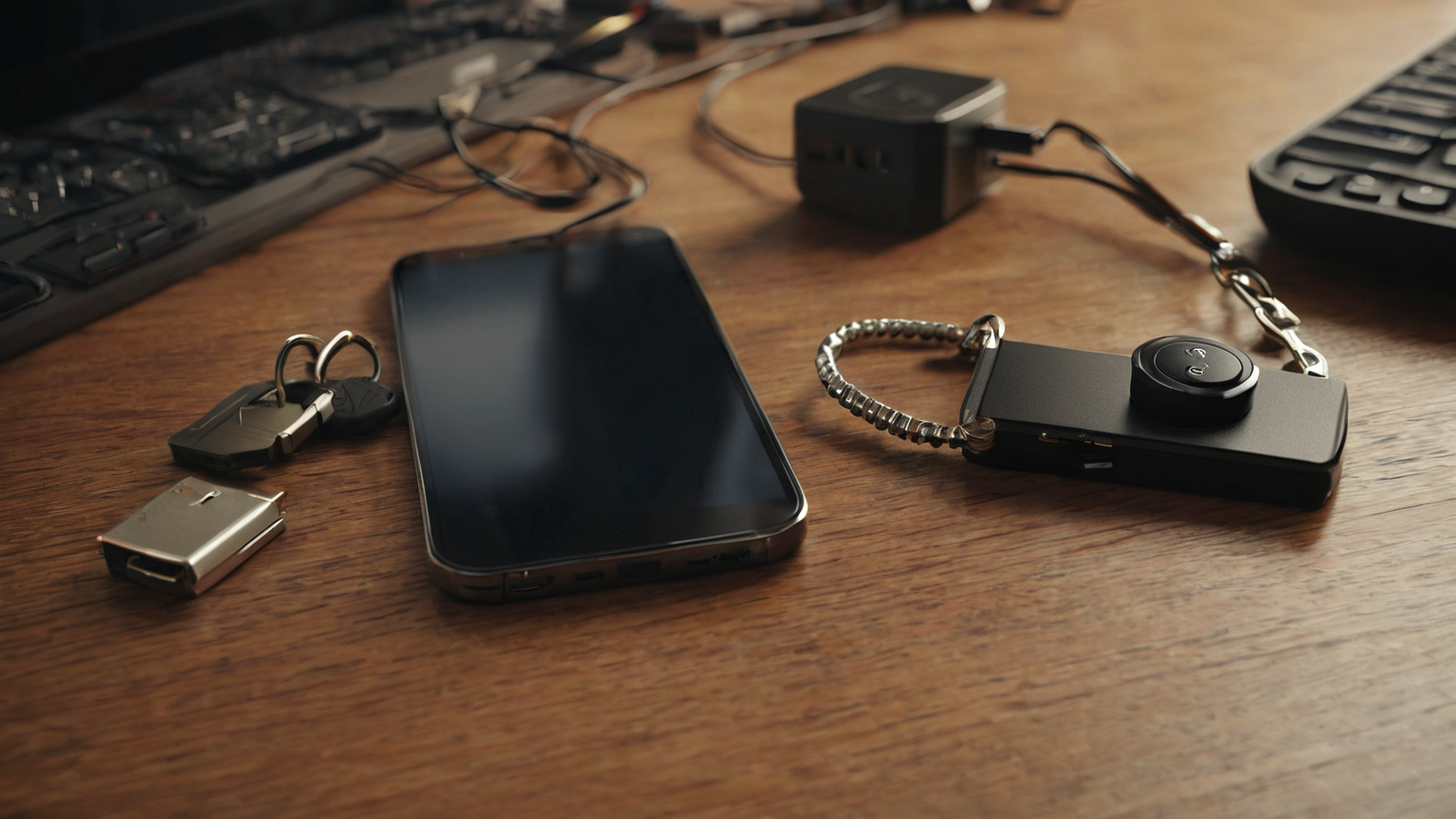
A passkey on one phone is convenient until that phone is lost, wiped, or inaccessible. Add a second allowed method where the service supports it: another trusted device, a hardware security key, or recovery codes stored offline. Do not keep every recovery path in the same backpack, phone gallery, or unlocked cloud note.
Make recovery codes boring and protected
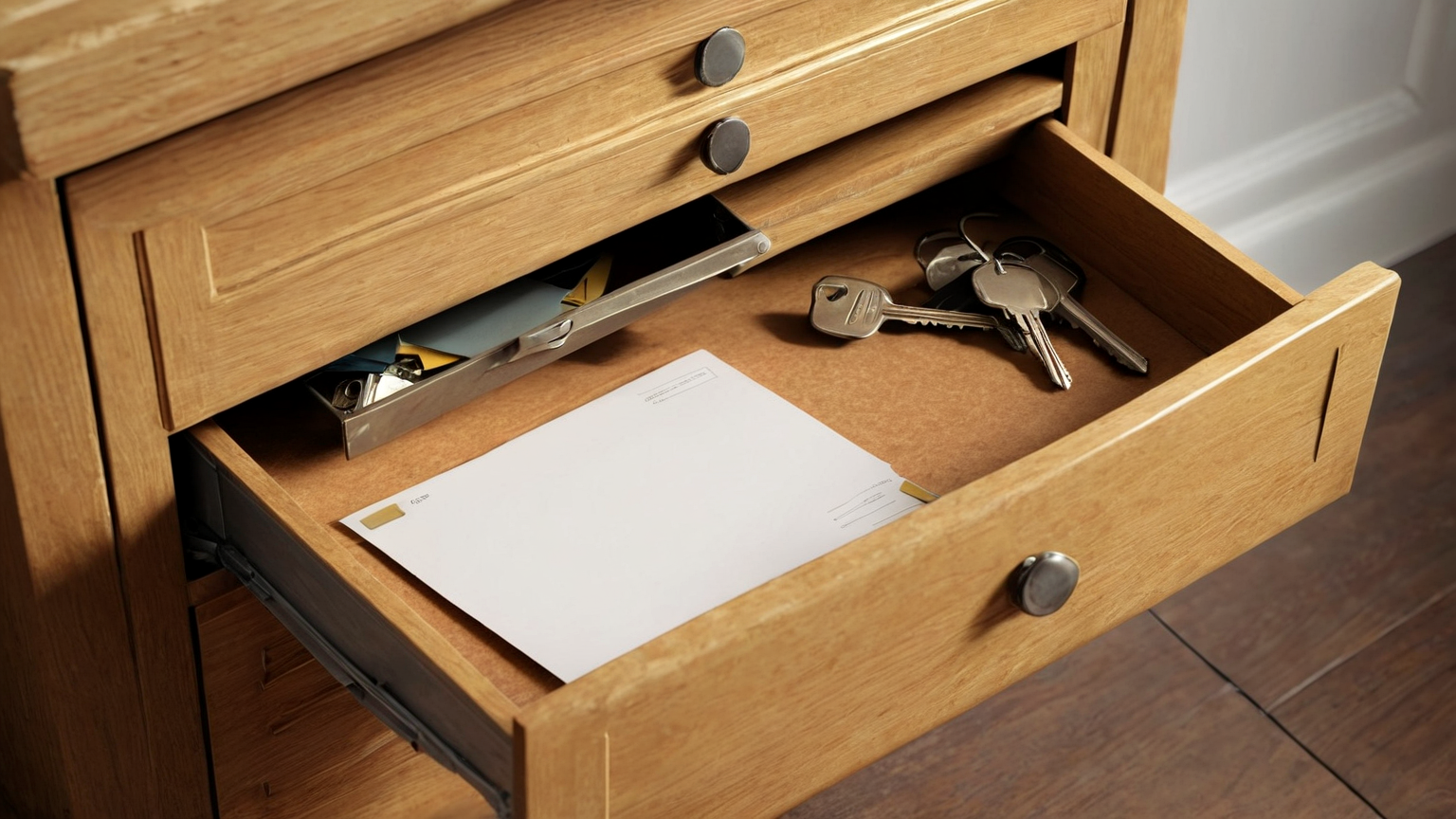
Recovery codes are powerful. Store them offline in a sealed envelope, safe, or password-manager emergency kit according to your household risk. Label them enough to be useful without exposing full account details. After using a recovery code, regenerate or mark it according to the service’s instructions.
Practice loss scenarios before they are real
Run a low-risk drill: can you sign in if the phone is unavailable? Can you revoke a lost device? Can you reach the recovery email? Can a trusted household member find emergency instructions without knowing your daily passwords? A ten-minute drill finds gaps that a crisis will exploit.
Keep phishing checks in the workflow
Passkeys help against many fake login pages, but attackers still use fake support calls, session theft, malicious browser extensions, and recovery manipulation. Start account changes from saved bookmarks or official apps, avoid links in urgent messages, and treat unexpected MFA or recovery prompts as alerts.

Readiness checklist
- Tier-one accounts are listed with owner, passkey device, and backup method.
- At least one recovery path works without the primary phone.
- Recovery codes are offline, protected, and not photographed.
- Device-loss and account-revocation steps were tested.
- Urgent links and support calls do not drive account changes.
Mistakes that weaken the plan
| Mistake | Security problem | Better habit |
|---|---|---|
| Enabling passkeys randomly | You forget where credentials live | Inventory first |
| Storing codes in phone photos | Theft compromises sign-in and recovery | Offline protected storage |
| Removing all backups too early | Lockout becomes likely | Keep approved backup until tested |
| Trusting urgent recovery links | Phishing shifts to account recovery | Start from official app/site |
FAQ
Are passkeys better than passwords?
They can be more phishing-resistant where implemented well, but the full safety depends on device security, recovery setup, and account policies.
Do I still need MFA?
Follow each service’s options. Some passkey setups satisfy strong sign-in, while other accounts still benefit from additional approved MFA and alerts.
What should I secure first?
Email, password manager, banking, mobile carrier, and cloud-storage accounts usually have the largest downstream impact.