Smart Home Security
Home Security Camera Privacy Reset Checklist for 2026
A household IoT privacy checklist for security cameras: account access, shared users, storage, placement, firmware, router separation, and reset steps before selling or moving devices.
- Use source-backed steps before changing security settings.
- Prioritize MFA, updates, backups, segmentation, and phishing-resistant habits.
- Save only the guides you need; no account is required.
Updated 2026-06-19. This guide is written for practical, low-risk decisions a reader can use today. It prioritizes current official or expert sources, clear escalation points, privacy boundaries, and non-promotional guidance so the post improves AdSense readiness rather than merely adding volume.
Security-camera privacy reset decision table
| Question | Safer default | Why it matters |
|---|---|---|
| What is time-sensitive? | Unknown account access, reused passwords, public sharing links, or cameras facing sensitive areas. | Privacy exposure should be contained before cosmetic setup changes. |
| What source controls the decision? | Use the camera vendor account page, router/admin logs, CISA/NIST consumer security guidance, and household consent rules. | Keeps reset steps grounded in the actual device and account. |
| What record is needed? | Keep a private list of devices reset, passwords changed, MFA enabled, shared users removed, and firmware checked. | Prevents forgetting a camera, bridge, app account, or guest user. |
| What should not be shared? | Do not share camera screenshots, QR codes, serial numbers, Wi-Fi credentials, recovery codes, or household footage. | The reset process should not create a new privacy leak. |
| When should a professional be called? | Escalate account takeover, stalking, landlord/tenant conflict, or safety concerns to the platform, ISP, security professional, or appropriate local authority. | Some camera problems are security or safety incidents, not app preferences. |
1. Inventory cameras before changing settings
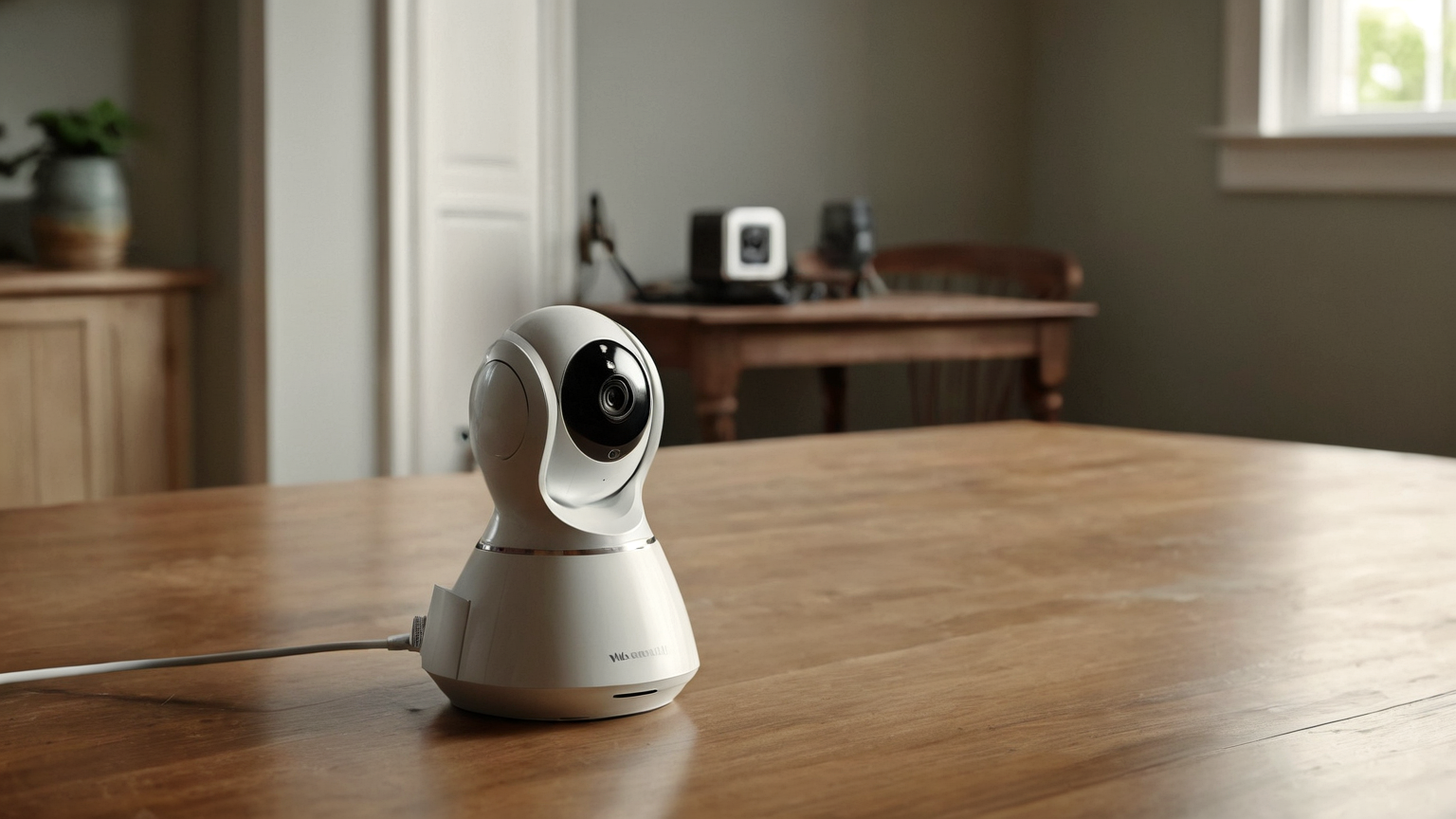
List every indoor, outdoor, doorbell, baby-room, garage, and spare camera. Include who owns the account, which email is used, where recordings are stored, and whether the camera still serves a real safety purpose. A forgotten camera is a privacy risk even when it is not actively watched.
Record only the security facts needed for follow-up: device name, account owner, MFA status, firmware date, sharing status, and next review. Do not save screenshots, QR codes, passwords, or private footage in the checklist.
2. Review access like a shared key
Camera access is often shared with relatives, contractors, roommates, former partners, sitters, or old phones. Remove anyone who no longer needs access, enable multi-factor authentication where available, and reset passwords after a household change. Do not share recovery codes through chat.
Record only the security facts needed for follow-up: device name, account owner, MFA status, firmware date, sharing status, and next review. Do not save screenshots, QR codes, passwords, or private footage in the checklist.
3. Place cameras to protect safety without over-collecting
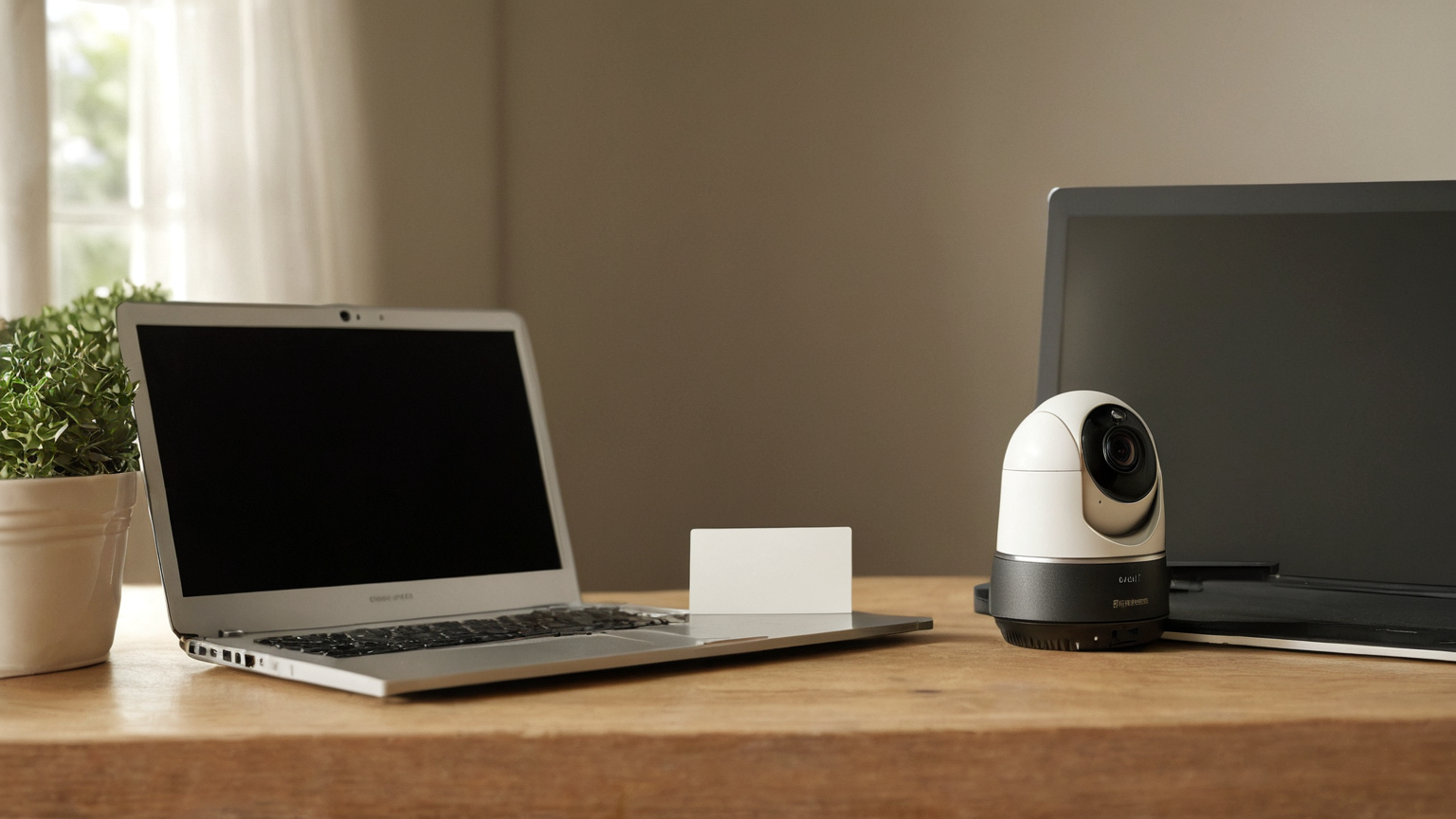
Avoid bedrooms, bathrooms, work screens, neighbor windows, and areas where guests reasonably expect privacy. Outdoor cameras should cover entry points without becoming a neighborhood recording dragnet. Privacy-aware placement supports trust and reduces unnecessary sensitive footage.
Record only the security facts needed for follow-up: device name, account owner, MFA status, firmware date, sharing status, and next review. Do not save screenshots, QR codes, passwords, or private footage in the checklist.
4. Separate network and update routines
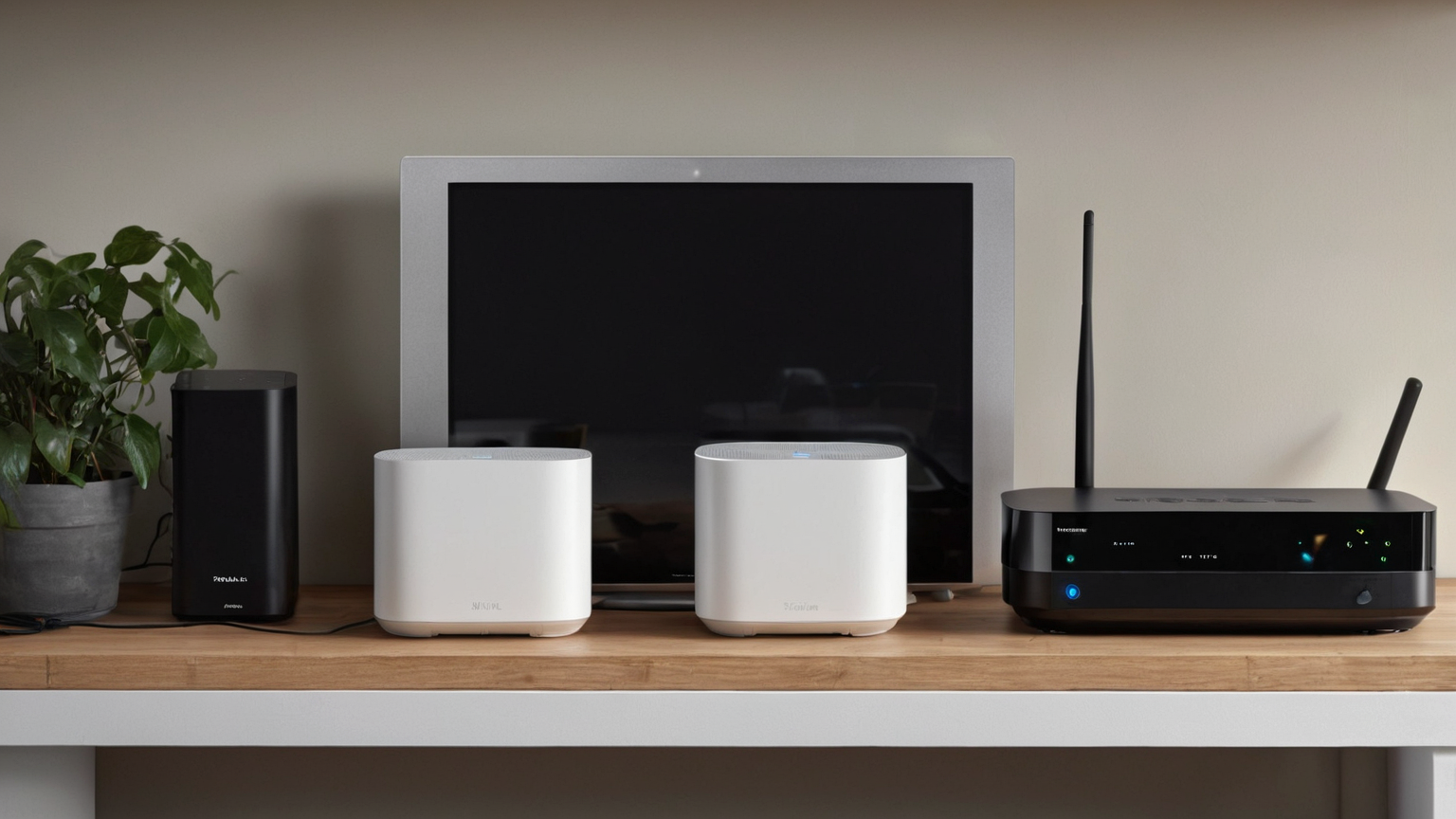
Use current router security, strong Wi-Fi credentials, firmware updates, and a guest or IoT network when practical. If a camera vendor stops security support or the account becomes suspicious, plan replacement or removal instead of leaving it connected indefinitely.
Record only the security facts needed for follow-up: device name, account owner, MFA status, firmware date, sharing status, and next review. Do not save screenshots, QR codes, passwords, or private footage in the checklist.
5. Reset before moving, selling, or gifting
Before a camera leaves the home, remove it from the account, factory reset it using the vendor instructions, delete local storage when appropriate, and verify it no longer appears in the app. Keep receipts and serial numbers private; never post setup QR codes or device IDs publicly.
Record only the security facts needed for follow-up: device name, account owner, MFA status, firmware date, sharing status, and next review. Do not save screenshots, QR codes, passwords, or private footage in the checklist.
One-page checklist
- Confirm the current official or expert source before acting.
- Write the owner, deadline, and next review date.
- Keep private identifiers, passwords, serial numbers, payment data, medical details, and sensitive screenshots out of shared notes.
- Use a temporary workaround only if it does not create a larger safety or money risk.
- Escalate to the relevant professional when symptoms, account compromise, safety hazards, legal questions, or large financial commitments are involved.
Common mistakes to avoid
| Mistake | Why it weakens the plan | Better habit |
|---|---|---|
| Treating a checklist as a diagnosis or guarantee | The facts may be incomplete or current rules may differ. | Use the checklist to prepare for expert advice. |
| Saving everything in a public note or chat | Private details can leak or be reused. | Store sensitive records in approved private storage. |
| Waiting for the perfect tool | The immediate risk may need a simple first step. | Start with source verification, owner, and deadline. |
| Optimizing for cost or convenience only | Hidden safety, privacy, or follow-up costs can exceed the savings. | Compare total risk, not just the first price or fastest option. |
FAQ
Does this replace professional advice?
No. It is a household security planning guide. Use the camera vendor, ISP/router vendor, platform account recovery, a qualified security professional, landlord/HOA channel, or local authority when account takeover, surveillance, or safety concerns are high-stakes.
Why include records and privacy limits?
Good records help the next person act, but over-sharing creates new risk. The useful middle is a private, minimal note that documents the decision without exposing credentials, account data, payment details, medical details, private footage, or serial numbers.
How this supports AdSense readiness
The article is source-backed, practical, non-affiliate, policy-safe, and reader-first. It adds original decision structure, tables, checklists, escalation cues, and privacy boundaries instead of thin filler.