Home Cybersecurity
Home NAS Ransomware Backup Isolation Checklist for 2026
A home NAS ransomware-resilience checklist covering isolated backups, snapshots, admin accounts, update habits, recovery drills, and when to disconnect storage.
- Use source-backed steps before changing security settings.
- Prioritize MFA, updates, backups, segmentation, and phishing-resistant habits.
- Save only the guides you need; no account is required.
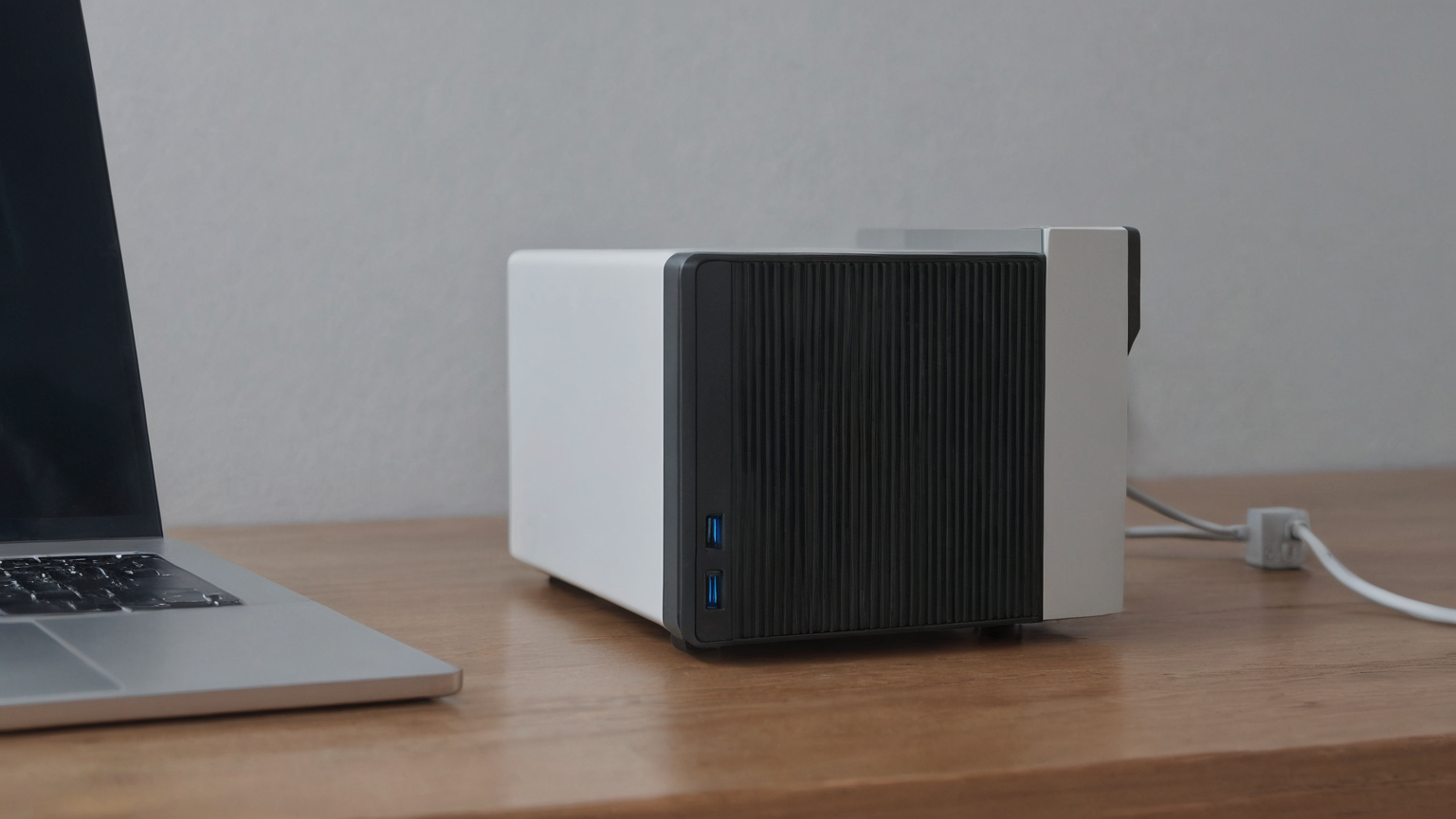
This guide is current as of 2026-07-01. A home NAS can feel like a private cloud, but ransomware often reaches shared folders through the normal household laptop, not through a movie-style attack on the storage box itself. If the NAS is always mounted, every family account has broad write access, and the only backup is another share on the same device, encryption can spread quickly. The goal is not fear; it is isolation. Keep at least one backup copy that normal daily accounts cannot silently rewrite.
Decision table
| Situation | First action | Do not do | Escalate when |
|---|---|---|---|
| Always-mounted NAS | Limit write accounts | Treat sync as isolation | A laptop can delete backups |
| Vendor advisory | Patch from official source | Use forum firmware | Device is unsupported or exposed |
| Recovery test | Restore a sample folder | Trust untested snapshots | Restore fails or admin account is suspect |
Map what can write to the NAS
List every computer, phone app, sync tool, camera, media server, and admin account that can write to shared folders. A backup is not isolated if the same compromised laptop can delete it. Reduce write permissions by role: family photos, documents, media, and device backups do not all need the same access. Disable guest write access and remove old accounts before you buy more storage.
Practical checkpoint: list the NAS shares that would hurt most if encrypted, then confirm at least one backup copy is offline, immutable, or otherwise unreachable from the same user session.
Use snapshots, but do not worship snapshots
Snapshots help when ransomware modifies files, but they are not a complete backup strategy if the attacker can delete snapshots or if the NAS itself fails. Enable snapshot retention where your device supports it, protect snapshot administration with a separate admin account, and keep one offline or cloud copy that is not mounted every day. The practical test is simple: if your main laptop is infected, can it also erase the recovery copy?
Practical checkpoint: remove everyday admin use from the NAS by separating administrator, backup, and household accounts; a ransomware event should not get write access to every copy through one saved password.
Separate admin from daily use
Do not browse, stream, or sync from an administrator account. Use a non-admin account for routine access and reserve the admin account for updates, permissions, and recovery tests. Turn on MFA when available, use a unique password, and keep the NAS management interface off the public internet unless you have a carefully maintained VPN or vendor-supported remote-access model.
Practical checkpoint: test a small restore to a temporary folder before trusting the plan; a backup that has never restored is only a hopeful file list.
Patch and advisory routine
Check vendor security advisories monthly and after any news about exploited NAS vulnerabilities. Update the NAS, backup apps, and router firmware from official sources. If a device is out of support, treat it as a local-only archive or retire it from internet-facing use. Do not replace a missing vendor patch with random firmware downloads or forum links.
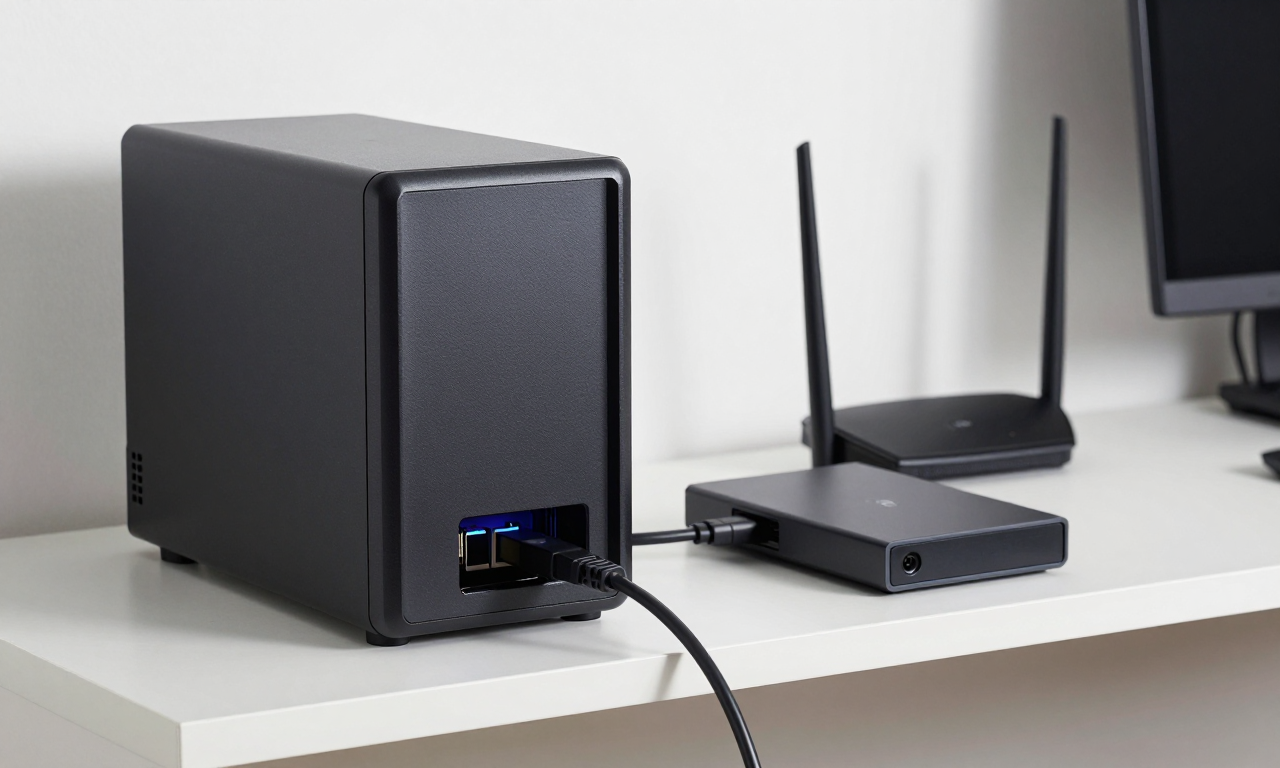
Practical checkpoint: keep remote access conservative: disable unused services, require MFA where available, update firmware, and avoid exposing management panels directly to the internet.
Run a recovery drill
Once per quarter, restore a sample folder to a spare location and verify file names, dates, and thumbnails. Write down the steps while calm: disconnect network cable, preserve logs, photograph ransom notes if they appear, contact the vendor or a professional if business data is involved, and rebuild from clean backups. A backup plan that has never been restored is only a hope.
Practical checkpoint: write the first-hour response card now: disconnect affected clients, preserve logs, do not wipe evidence, and restore only after credentials and clean backup points are confirmed.
Checklist before the next NAS backup window
- List every laptop, phone app, camera, sync tool, media server, and user account that can write to the NAS, then remove old accounts and guest write access.
- Confirm at least one backup copy is offline, immutable, cloud-versioned, or otherwise unreachable from the same daily account that can edit household files.
- Separate administrator, backup, and everyday accounts; reserve admin access for updates, permission changes, and recovery tests.
- Check the vendor security-advisory page and install only official firmware or package updates before exposing any remote-access feature.
- Restore one photo folder and one document to a temporary location, verify the files open, record the restore time, and fix the plan if the drill requires a compromised daily laptop.
Home NAS restore drill examples
A ransomware-safe NAS plan is not proven by a green backup icon. Pick one ordinary family file, one photo folder, and one important document, then restore them to a temporary folder from the backup copy you would actually use after an incident. Check the file opens, the date looks right, and the restore did not require the same everyday account that could be encrypted by malware. If the restore path needs an admin password stored on the infected laptop, the isolation story is weak.
Account separation matters because home NAS devices often grow from convenience. One household login writes photos, media, school files, tax folders, and backup jobs. That is easy, but it gives ransomware one broad target. A safer setup uses different permissions for daily use, backup writing, and administration. The backup account should not be a normal browsing account, and the administrator account should not be saved in every desktop app.
Remote access deserves the same conservative test. If the NAS management page is reachable from the internet, ask whether it must be. Disable services nobody uses, update firmware through the vendor path, require multi-factor authentication where available, and prefer VPN or vendor-supported secure access over exposing admin panels. Do not install random “recovery” tools or follow scareware pop-ups after an alert; preserve logs and identify the clean backup point first.
Write the first-hour card while everything is calm: disconnect affected clients from the network, stop syncing suspect folders, preserve the NAS logs, photograph ransom notes without clicking links, rotate credentials from a clean device, and restore only after the entry point is understood. That card turns a panic moment into a sequence the household can follow.
What makes this reader-first
The checklist does not promise that a home NAS can be made ransomware-proof. It asks the reader to prove isolation with a restore drill, reduce account blast radius, and write an incident card before panic. That distinction matters for trust: a family does not need enterprise jargon, but it does need to know whether a backup can be reached by the same infected laptop account. The article also avoids recommending random recovery software, miracle decryption, or exposed remote-admin shortcuts. It keeps the next action concrete: test one restore, separate permissions, update through vendor-supported paths, and preserve evidence if an incident occurs.
Household roles during an incident
Assign roles before anyone sees a ransom note. One person should stop affected computers from syncing, one should photograph messages and preserve NAS logs, and one should check the written backup inventory from a clean device. Nobody should rush to reconnect drives or delete suspicious files before the clean restore point is identified. If the NAS also stores tax, school, or medical paperwork, decide which folders need the first restore test. This keeps the response focused on recovery evidence and essential files rather than panic-clicking through every share.
Backup calendar rule
Put the restore drill on a calendar instead of treating it as a one-time project. A quarterly check is enough for many households: restore a sample file, confirm the offline or immutable copy still exists, review who has administrator rights, and verify that remote access settings have not drifted. Also check whether new folders, phones, or laptops were added since the last drill. Ransomware readiness decays quietly when the household adds devices but the backup rules stay frozen in last year’s setup.
Documenting the drill also makes future cleanup easier because you can tell which folders, accounts, and devices were part of the tested recovery path.
Keep it current.
FAQ
Is a USB drive plugged into the NAS an isolated backup?
Usually no. A drive that stays mounted can be encrypted or deleted by the same compromised account, so keep at least one backup offline, immutable, or otherwise unreachable between backup windows.
What should I test before trusting a home NAS backup plan?
Restore a few real files to a separate device, confirm older versions exist, verify admin accounts are protected with MFA where available, and document who can disconnect or rotate backup media.
When should I get outside help after a NAS ransomware warning?
Get professional help before reconnecting devices when multiple machines are affected, backups are missing, business records are involved, or you are unsure which account or service exposed the NAS.
One-week follow-up
After using the plan once, review what was confusing, what took too long, and what depended on a single person being available. Improve one item: a phone number, a folder name, a permission setting, a refill note, or a recovery test. The value of the plan is not perfection on day one; it is making the next stressful event less chaotic and better documented. Repeat the review monthly during the relevant season or whenever your tools, insurer, clinic, employer, device, or household routine changes.
Visual walk-through