vpn-privacy
Self-Hosted VPN Options 2026: PiVPN vs WireGuard Manual vs Tailscale
We set up three self-hosted VPN options on a home Raspberry Pi. Setup time, performance, ongoing maintenance, and the picks by technical comfort level.

- Use source-backed steps before changing security settings.
- Prioritize MFA, updates, backups, segmentation, and phishing-resistant habits.
- Save only the guides you need; no account is required.
Self-hosted VPN solves two problems commercial VPNs cannot. First, secure access to your home network from anywhere — your Plex server, NAS files, home automation dashboard, and other home resources become reachable from a coffee shop or hotel as if you were on the home network. Second, privacy without ongoing subscription costs and without trusting a third-party provider’s logging practices. We set up three self-hosted VPN approaches on a Raspberry Pi 4 and used each for a month to identify which fits which technical comfort level.
Three Approaches To Self-Hosted VPN
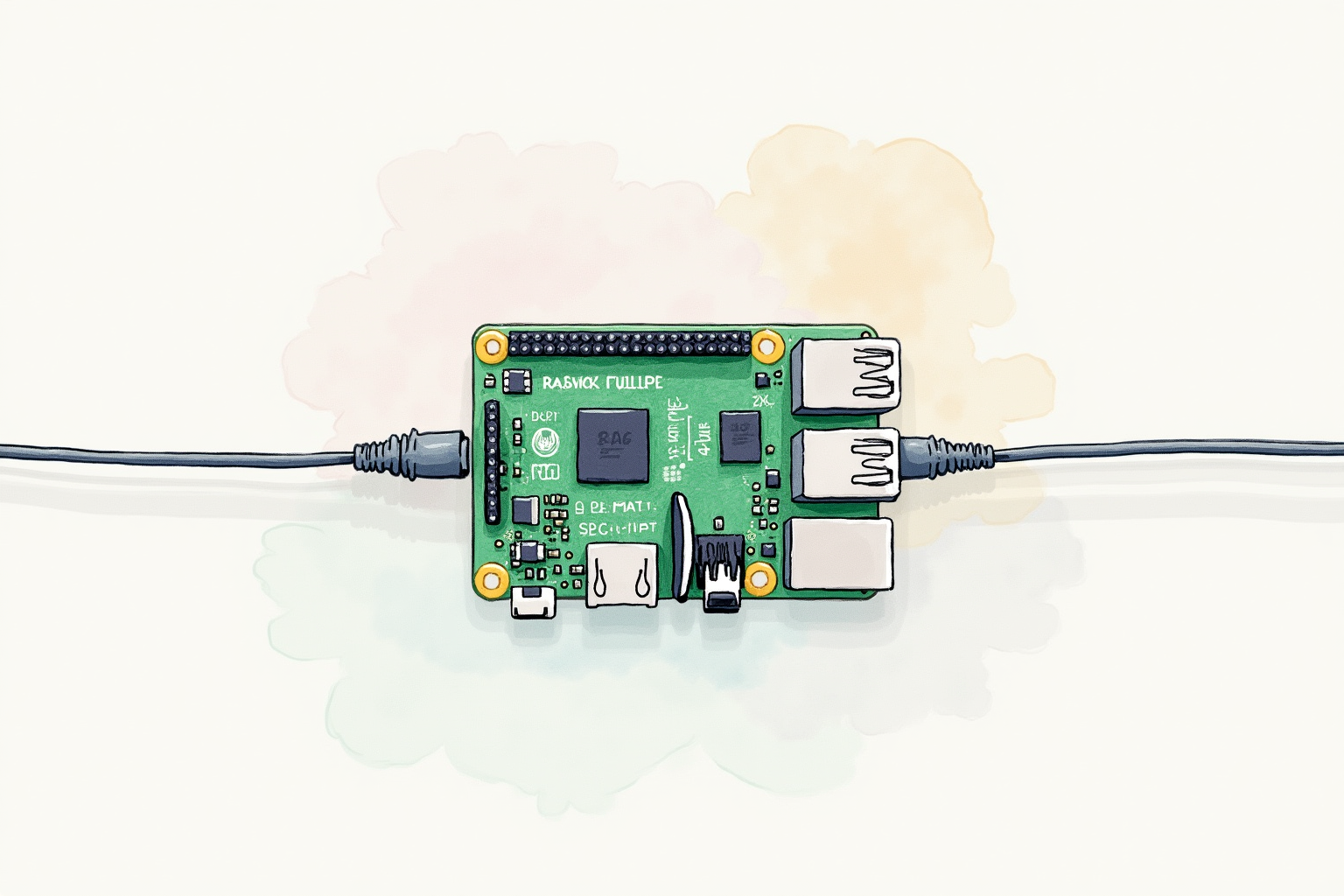
The three options span a spectrum from highest control to easiest setup. Manual WireGuard configuration gives maximum control and minimum dependencies but requires understanding key management and network configuration. PiVPN wraps WireGuard or OpenVPN setup behind a script that handles most configuration automatically. Tailscale adds a coordination server that makes setup nearly zero-config but introduces a dependency on Tailscale’s service for peer discovery.
The right choice depends on your technical comfort and what you optimize for. Manual WireGuard suits users comfortable with Linux command line and willing to invest 1-2 hours in initial setup. PiVPN suits users who want WireGuard but prefer a guided installation. Tailscale suits users who want minimal setup and accept the small dependency on Tailscale’s coordination service.
Top Pick — Tailscale For Most Users

Tailscale (Free for Personal Use)
Price · Free up to 100 devices / $6/user/month for business
+ Pros
- · Zero-config setup — connects devices in under 5 minutes
- · Built-in MagicDNS provides friendly hostnames for devices
- · Excellent NAT traversal works through any firewall
- · ACL policies for fine-grained access control
− Cons
- · Coordination server is a Tailscale dependency
- · Free tier limited to 100 devices and 3 users
Price, availability, and ratings can change; verify details on the retailer page before buying.
Tailscale is the right choice for most home users wanting secure access to their network without configuration hassle. The setup process is genuinely simple: install Tailscale on your home server, install Tailscale on your laptop and phone, sign in with your Google or Microsoft account on each. The devices automatically discover each other through Tailscale’s coordination server, establish WireGuard tunnels peer-to-peer, and become reachable via friendly hostnames. The 100-device free tier covers virtually all home use cases.
The coordination server dependency is the one tradeoff to understand. Tailscale knows that your devices exist and helps them find each other, but does not see the encrypted traffic between them. The trust model is well-documented and Tailscale’s open-source client allows independent verification. For users uncomfortable with the dependency, Headscale provides an open-source Tailscale-compatible coordination server you can self-host, giving full control while keeping the simplicity. For most users, Tailscale’s official coordination service is the better choice — the company has a track record of strong privacy practices and the operational simplicity is substantial.
Privacy Pick — PiVPN For Self-Hosted Coordination

PiVPN (Free, Open Source)
Price · Free — only hardware costs
+ Pros
- · Single curl command installs WireGuard or OpenVPN
- · No external coordination server dependency
- · Works on any Debian-based Linux including Raspberry Pi OS
- · QR code generation for mobile client setup
− Cons
- · Requires understanding of port forwarding and dynamic DNS
- · Manual user management as members are added
Price, availability, and ratings can change; verify details on the retailer page before buying.
PiVPN is the right choice for users wanting fully self-hosted VPN without external dependencies. The installation is the simplest among manual approaches — a single curl-pipe-to-bash command sets up WireGuard or OpenVPN on a Debian-based system with sensible defaults. The setup script asks a few questions (which protocol, which interface, which DNS resolver) and handles the rest. After installation, adding clients is one command: pivpn add USERNAME generates the configuration and QR code for the new device.
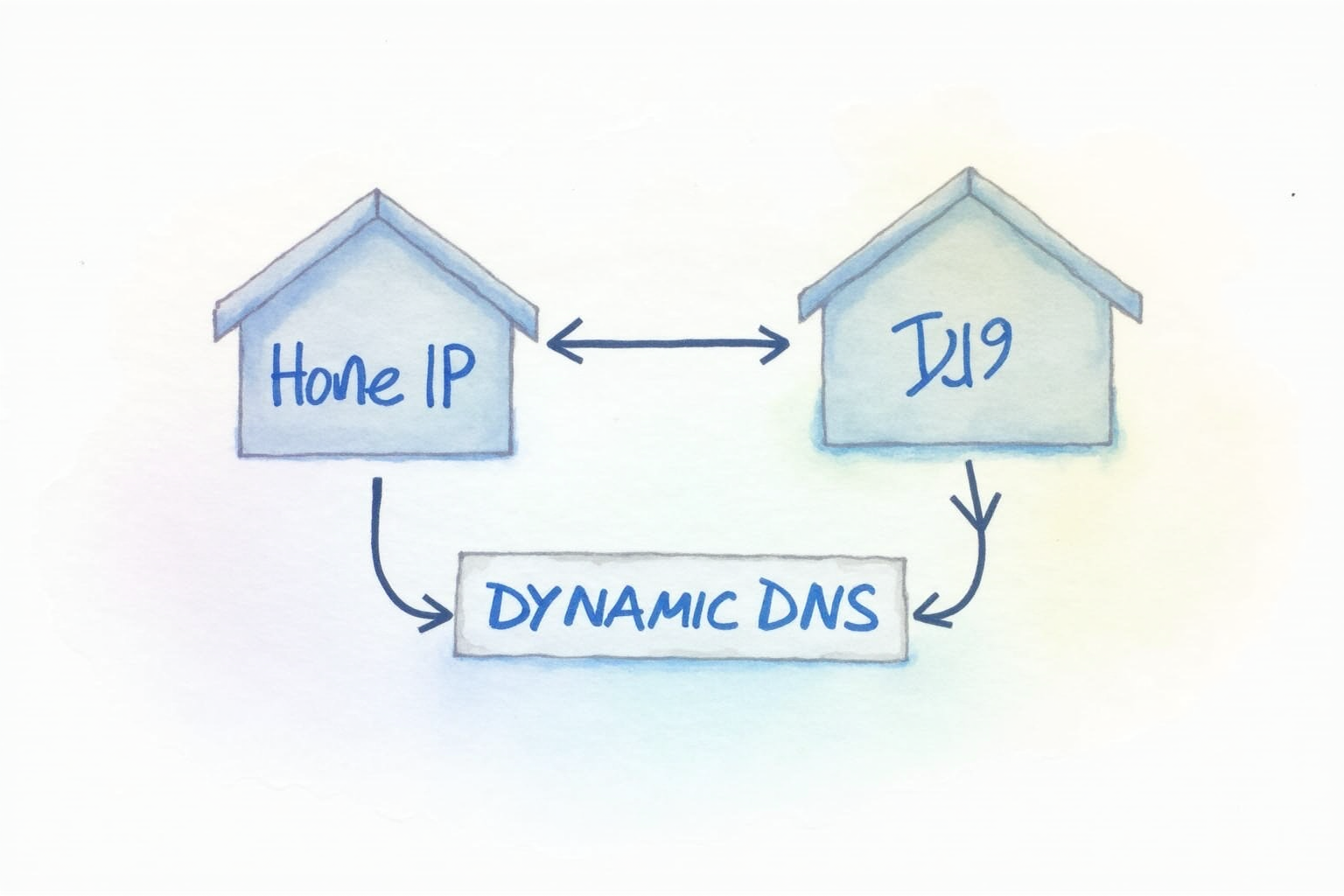
The dependencies you do need are dynamic DNS service (DuckDNS, no-IP, or similar free services that map your changing home IP to a stable domain name) and router port forwarding (open the chosen UDP port to your Raspberry Pi’s local IP). These are standard home network configurations but require basic understanding to set up correctly. Once configured, the system is maintenance-light — automatic security updates handle most ongoing concerns, and adding new family members or devices takes 30 seconds per device.
Manual Pick — Pure WireGuard For Full Control
WireGuard Direct (Free, Open Source)
Price · Free — included in modern Linux kernels
+ Pros
- · Maximum control over configuration and key management
- · No installer dependencies — works on any Linux distribution
- · Education value of understanding the protocol thoroughly
- · Performance identical to PiVPN's WireGuard mode
− Cons
- · Requires comfort with Linux networking commands
- · Manual key generation and configuration file editing
Price, availability, and ratings can change; verify details on the retailer page before buying.
Manual WireGuard configuration is the right choice for users who want to learn the protocol thoroughly or who run unusual Linux distributions where PiVPN’s scripts may not work cleanly. The setup process: generate key pairs on both server and clients, write a configuration file specifying peer public keys and allowed IPs, enable the WireGuard interface with wg-quick. The pieces are simple individually but require understanding what each step does for the protocol to work correctly.
For someone learning Linux networking, the manual approach pays back in deep understanding. For someone just wanting a working VPN, PiVPN’s automation saves time without sacrificing the underlying capabilities. Both produce equivalent encrypted tunnels. The decision is about whether the educational value justifies the additional initial complexity.
What To Avoid
Three self-hosted VPN approaches should not be your default. OpenVPN-only setups skip the performance benefits of WireGuard for no good reason in 2026. SoftEther VPN is feature-rich but the codebase is less audited than WireGuard or OpenVPN. Web-hosted VPN providers (paid offerings that ship a VM with VPN preinstalled) carry the worst of both worlds — paid subscription plus self-managed infrastructure.
Setup Order And Time Investment
Plan 1-2 hours for first-time self-hosted VPN setup. Phase 1 (15-30 min): Raspberry Pi flash and SSH access setup. Phase 2 (30-45 min): VPN software installation and basic configuration. Phase 3 (15-30 min): Dynamic DNS service signup and router port forwarding. Phase 4 (15 min per device): Client configuration on each device that will use the VPN. Tailscale shortcuts Phase 3 entirely and reduces Phase 4 to under 5 minutes per device, which is why it is the right choice for most users.
Bottom Line
Tailscale for most home users wanting zero-config secure access. PiVPN for users wanting fully self-hosted privacy with reasonable automation. Manual WireGuard for power users and learners. All three work well with a 50 dollar Raspberry Pi and your home internet connection.
For more VPN topics see our VPN protocols comparison, VPN performance reality, and VPN privacy category.