data-protection
Secure File Sharing Tested 2026: Send Large Files Privately
Encrypted file sharing services compared. End-to-end encryption, expiring links, large file support, and the picks for casual vs business use.
- Use source-backed steps before changing security settings.
- Prioritize MFA, updates, backups, segmentation, and phishing-resistant habits.
- Save only the guides you need; no account is required.
Standard file sharing through Google Drive, Dropbox, or email attachments works for casual use but fails when content is sensitive — medical records, financial documents, legal materials, personal photos. We tested seven secure file sharing services across home and business scenarios to identify which serves which use case. The differences are real: encryption depth, link controls, file size limits, and compliance certifications vary substantially between services that all market themselves as “secure.”
Three Distinct Use Cases
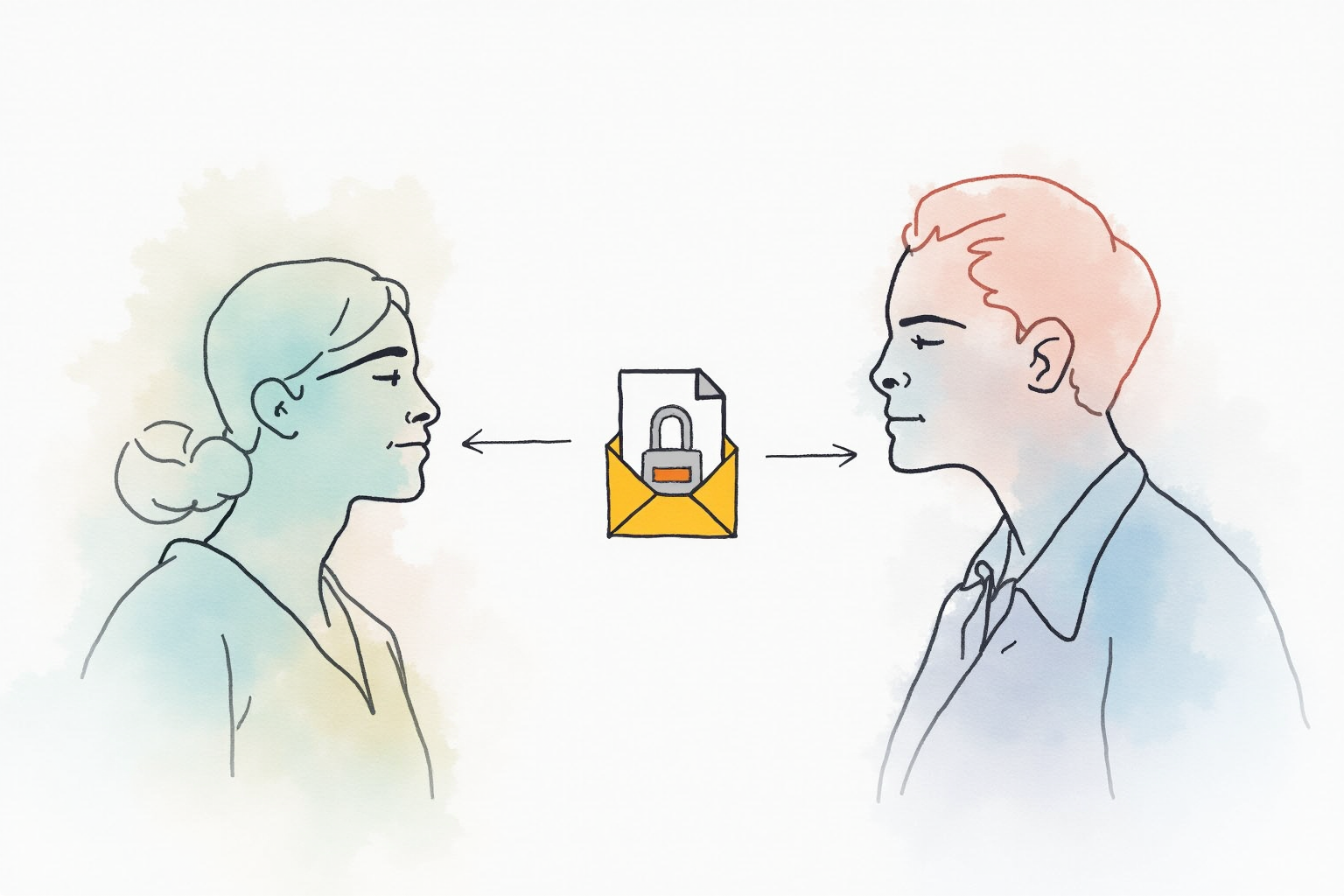
The right secure file sharing tool depends on the scenario. Three distinct use cases dominate.
One-time secure delivery. You need to send a sensitive file to someone once and never again. Examples: tax documents to your accountant, medical records to a specialist, contract to a client. The right tool is a service that generates an expiring encrypted link the recipient downloads once. Tresorit Send, Proton Drive Share, Firefox Send replacement tools serve this.
Collaboration over time. You and another party (or small group) need to share access to a folder of files for weeks or months. Examples: working on a contract revision, sharing photos with family across distance, project files with contractor. The right tool is a service that provides encrypted shared folders with member-level access controls. Tresorit Business, Proton Drive Family, SpiderOak share folders serve this.
Large file transfer. You need to move a very large file (10-100GB) where standard email or sharing services hit size limits. Examples: raw video footage, large research datasets, full system backups for migration. The right tool is either a peer-to-peer service (Magic Wormhole, Wormhole.app) or a chunked upload service (WeTransfer Pro, Smash).
Each category has different optimization. Mixing them or trying to use one tool for all use cases produces friction or compromised security.
Top Pick — One-Time Secure Delivery
Tresorit Send
Price · Free for files up to 5GB / Business plan for larger
+ Pros
- · End-to-end encryption with zero-knowledge architecture
- · Files up to 5GB on free tier, 100GB on business
- · Link expiration and password protection options
- · Swiss data protection laws apply to file storage
− Cons
- · Recipient must download within retention period (default 7 days)
- · Premium features require Tresorit Business subscription
Price, availability, and ratings can change; verify details on the retailer page before buying.
Tresorit Send is the right choice for one-time secure file delivery. The encryption model is end-to-end — your file is encrypted in your browser before upload, and only the recipient with the link can decrypt it. Tresorit’s servers see only encrypted blobs. The 5GB free tier covers most use cases (legal documents, large PDFs, photo batches, even some video files). The link expiration defaults to 7 days but can be set to 1 day for sensitive content or 30 days for less time-critical delivery.
The Swiss data protection regime is a structural advantage. Files stored briefly during the share process remain in Swiss jurisdiction with the strongest civil data protection laws globally. For users sending sensitive content (medical records, legal documents, identity verification), the regulatory protection adds meaningful safeguarding beyond the technical encryption.
Collaboration Pick — Encrypted Shared Folders
Proton Drive Family Plan
Price · $20/month for 1TB shared across 6 users
+ Pros
- · End-to-end encrypted shared folders with member access controls
- · Integrated with Proton Mail and Calendar for full privacy suite
- · iOS and Android apps support full encrypted access
- · Swiss jurisdiction and zero-knowledge architecture
− Cons
- · Per-user costs add up for larger groups
- · Less polished interface than Google Drive or Dropbox
Price, availability, and ratings can change; verify details on the retailer page before buying.
Proton Drive is the right choice for ongoing collaboration where multiple people share access to a folder of files over weeks or months. The encryption model maintains end-to-end protection even across multiple users — each user has their own keys, and the folder access control determines who can decrypt which files. Adding or removing collaborators is one-click; the cryptographic key management happens transparently.
The integration with Proton Mail and Proton Calendar creates a coherent privacy suite. For users replacing the Google Workspace ecosystem with privacy-focused alternatives, Proton’s full suite costs less than enterprise Google Workspace while providing zero-knowledge encryption across all components. Files shared via Proton Drive notify recipients through Proton Mail with no metadata leakage to Google or Microsoft.
Large File Pick — Peer-To-Peer Transfer
Magic Wormhole (Free Open Source)
Price · Free — open source command line tool
+ Pros
- · No file size limits beyond your bandwidth
- · End-to-end encrypted with code phrase authentication
- · No account required, no metadata stored
- · Direct peer-to-peer transfer when both parties online
− Cons
- · Command line interface — less friendly for non-technical users
- · Requires both parties to be online during transfer
Price, availability, and ratings can change; verify details on the retailer page before buying.
Magic Wormhole is the right tool for transferring very large files (10GB+) between two technical users. The protocol uses a relay-when-needed model — direct peer-to-peer transfer when network conditions allow, falling back to relay servers when not. Files transit through human-readable code phrases (3-4 words) that authenticate the recipient. No accounts, no metadata, no ongoing infrastructure dependency.
The honest tradeoff is the user interface. Magic Wormhole runs as command-line tool primarily; GUI wrappers exist but the command-line is the primary path. For technical users moving research datasets or large project archives, the simplicity and lack of file size limits justifies the CLI. For non-technical users, WeTransfer Pro or similar consumer services handle 100GB transfers with a polished interface at $12 monthly.
What To Avoid
Three file sharing patterns should not be your default for sensitive content. Email attachments expose files to your email provider and the recipient’s email provider, both of which retain content. Google Drive/Dropbox links lack expiration by default, creating risk of forgotten links discovered later. WhatsApp/iMessage file sending through standard chats does not preserve the file with proper retention controls and may sync to cloud backups outside your control.
Setup Habits
Default to using expiring links for everything. Set the default expiration appropriately — 24 hours for one-time delivery, 7 days for “send and acknowledge” scenarios, longer only when truly needed. Use password protection in addition to the link when content is highly sensitive — the recipient gets the link via one channel and the password via another, ensuring an intercepted link alone is insufficient. Save the share link in your password manager temporarily if you might need to revoke access; deleting the share record removes the access immediately.
Bottom Line
Tresorit Send for one-time secure delivery. Proton Drive Family for ongoing encrypted collaboration. Magic Wormhole for very large peer-to-peer transfers. Use the right tool for each scenario — trying to force one tool across all three creates friction or weakens security.
For more data protection see our encrypted cloud backup, dark web monitoring services, and data protection category.