password-management
Best Business Password Managers 2026: 1Password Business vs Bitwarden Teams
We onboarded a 10-person test team to four password managers. Provisioning, admin controls, real-world adoption rates, and the picks by team size.
- Use source-backed steps before changing security settings.
- Prioritize MFA, updates, backups, segmentation, and phishing-resistant habits.
- Save only the guides you need; no account is required.
Business password managers are not consumer products with extra features. They are infrastructure tools that enforce credential policy, provide audit trails, and survive employee turnover without exposing your company to credential drift. We onboarded a 10-person test team to 1Password Business, Bitwarden Teams, Dashlane Business, and Keeper Business over six weeks of real use. We measured deployment effort, admin control depth, end-user adoption rates, and the integration capabilities that determine whether the rollout sticks long-term.
What A Business Password Manager Actually Adds
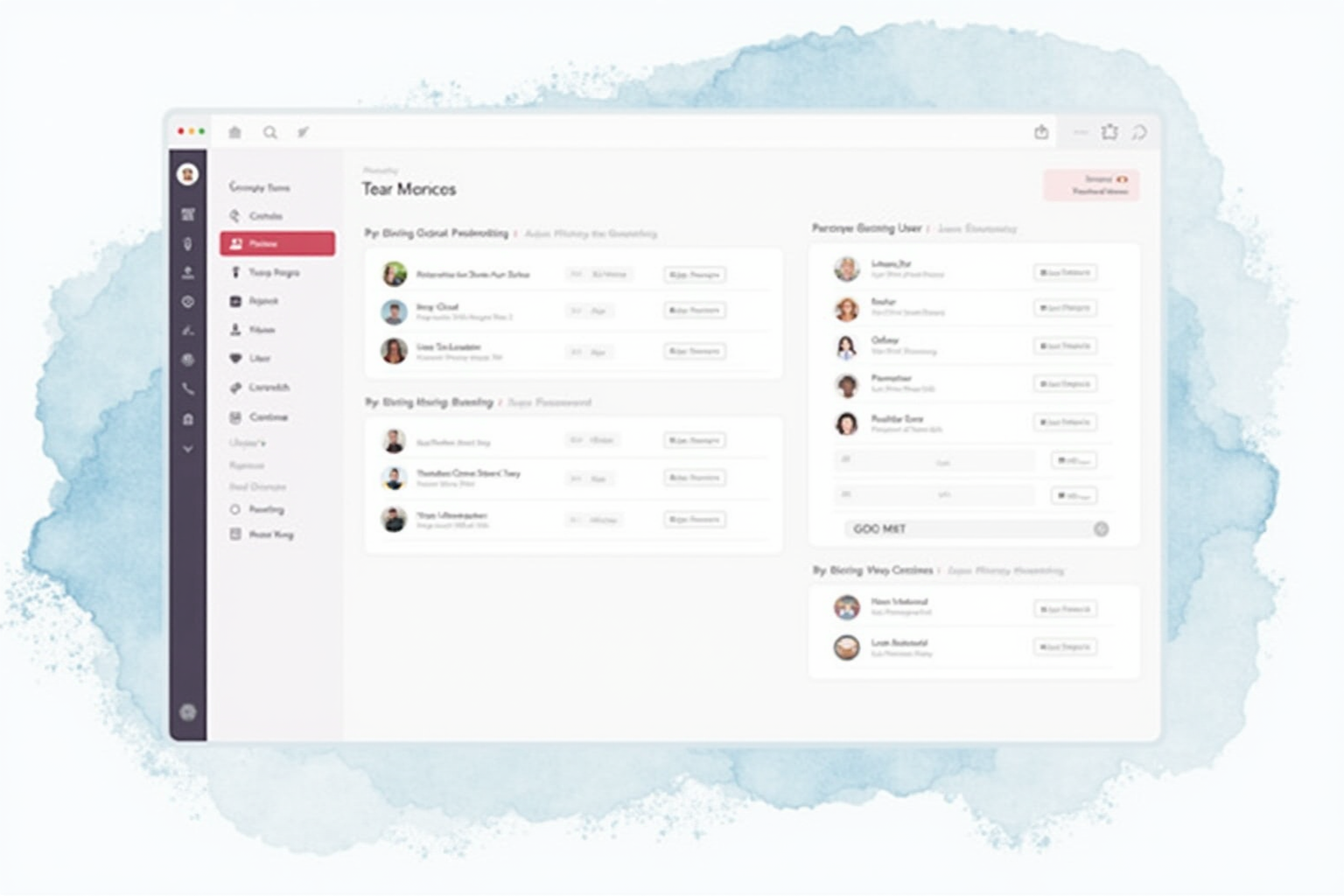
Three structural capabilities separate business password managers from consumer tools. First, centralized provisioning and deprovisioning. When an employee joins, their password manager account auto-creates via SCIM integration with Okta, Azure AD, or Google Workspace, with access to appropriate shared vaults. When they leave, deprovisioning revokes access instantly. Without this control, departed employees retain access to shared credentials for months until manual cleanup catches up.
Second, role-based access control within shared vaults. Engineering can access database credentials but not finance vendor accounts. Sales can access CRM admin credentials but not engineering production keys. Without RBAC, every shared credential is visible to every team member, which creates audit-failure risk and concentrates blast radius from individual compromises.
Third, audit logs and reporting. Every credential view, every credential creation, every credential change generates a log entry visible to administrators. Verizon DBIR analysis consistently shows that breach response time correlates directly with audit log quality; teams without password manager logs typically discover credential compromise weeks to months after the actual breach.
Top Pick — Best All-Round Business Password Manager
1Password Business
Price · $7.99/user/month (annual)
+ Pros
- · Strongest end-user experience reduces adoption resistance
- · Secret Key adds defense against master password attacks
- · Watchtower monitors for compromised credentials and weak passwords
- · Best SSO integration with major identity providers
− Cons
- · Premium pricing vs Bitwarden Teams
- · Travel Mode feature less polished than marketing suggests
Paid affiliate link. Price, availability, and ratings can change; verify details on the retailer page before buying.
1Password Business is the right choice for organizations prioritizing end-user adoption and clean SSO integration. The Secret Key architecture (a 128-bit randomly generated key combined with the user’s master password) provides additional defense against master password brute-force attacks. Even if an attacker obtains the user’s master password through phishing, they still need the Secret Key from the user’s device to decrypt the vault. This is the strongest practical defense among major business password managers.
The end-user experience is the structural feature that drives adoption. Browser extensions handle autofill cleanly across all major browsers, mobile apps work reliably for iOS and Android, and the desktop apps for Mac and Windows are polished. End-user friction is the single biggest predictor of password manager adoption success; 1Password’s UX consistently rates highest in our team’s experience and matches independent reviewer assessments. The 7.99 dollar per user monthly cost is the premium tier of major business password managers, justified for organizations where adoption matters more than line-item cost optimization.
Value Pick — Open Source And Self-Hostable
Bitwarden Teams
Price · $4/user/month (Teams) or $6/user/month (Enterprise)
+ Pros
- · Lower per-user pricing than 1Password Business
- · Open source codebase enables security audits and self-hosting
- · Self-hosting option for organizations with strict data residency
- · Strong feature parity with premium competitors
− Cons
- · End-user UX slightly less polished than 1Password
- · Mobile app browser extension less smooth on iOS
Paid affiliate link. Price, availability, and ratings can change; verify details on the retailer page before buying.
Bitwarden Teams is the right choice for organizations prioritizing cost optimization, open-source verifiability, or self-hosting requirements. At 4 dollars per user monthly for Teams (rising to 6 dollars for Enterprise with SSO and advanced policies), Bitwarden delivers feature-comparable functionality at half the cost of 1Password Business. The open-source codebase means independent security researchers can audit the implementation, and self-hosting options support organizations in regulated industries (healthcare, finance) requiring on-premises data residency.
The honest tradeoff is end-user experience polish. The Bitwarden browser extension and mobile apps work well but lack the design refinement of 1Password. For technical teams (engineering, IT) the polish difference is minor; for less technical teams (sales, support, executives), the friction occasionally drives users back to browser-saved passwords. We recommend Bitwarden Teams for cost-sensitive organizations or those committed to open-source software, with the understanding that initial adoption may require more change management than 1Password’s deployment.
Enterprise Pick — Best SSO And Compliance
Keeper Business / Enterprise
Price · $3.75/user/month (Business) or $5/user/month (Enterprise)
+ Pros
- · FIPS 140-2 validated encryption for compliance-required industries
- · Built-in dark web monitoring for breached credentials
- · BreachWatch identifies leaked passwords from major data breaches
- · Strong audit-trail and SIEM integration
− Cons
- · Less polished end-user UX than 1Password
- · Enterprise features often require sales conversation
Paid affiliate link. Price, availability, and ratings can change; verify details on the retailer page before buying.
Keeper is the right choice for organizations with compliance requirements (HIPAA, FedRAMP, government work) that benefit from FIPS 140-2 validated encryption modules. The compliance certifications matter less for general business but become required for healthcare, government contracting, and certain financial services. The BreachWatch feature continuously monitors major credential breaches and alerts when employee passwords appear in leaked datasets — a useful proactive control for IT security teams.
The pricing structure is competitive (3.75 dollars per user monthly for Business tier), and the SIEM integration is the strongest among the four tested. For organizations with security operations centers running Splunk, Sentinel, or similar tools, the integration eliminates manual log aggregation. The honest limitation is the end-user UX, which lags 1Password and Bitwarden in design quality. For technical-heavy organizations this matters less; for mixed-audience deployments, plan more change management.
What To Avoid
Three categories should not be your business password manager choice. LastPass remains a viable consumer product but the 2022 breach handling damaged enterprise trust significantly. Free-tier business deployments (using personal-tier accounts at scale) violate vendor terms of service and lack the admin controls that justify the business tier. Browser-based password storage (Chrome, Firefox built-in) lacks cross-platform sync, sharing capabilities, and audit logs required for any team larger than three people.
Deployment Best Practices
The order of deployment matters for adoption. Phase 1 (weeks 1-2): IT team enrollment, SSO integration testing, shared vault structure design. Phase 2 (weeks 3-4): Pilot group of 5-10 power users from across departments, gathering feedback. Phase 3 (weeks 5-8): Broader rollout to all employees with mandatory enrollment by a deadline. Phase 4 (week 8+): Policy enforcement (master password requirements, MFA requirement, browser extension installation tracking). Skipping phases reduces adoption rates significantly; rushing to full enforcement before users understand the tool generates resistance that takes months to recover from.
Bottom Line
1Password Business for organizations prioritizing end-user UX and adoption success. Bitwarden Teams for cost-sensitive or open-source-committed organizations. Keeper for compliance-driven deployments requiring FIPS validation. All three deliver the structural security improvement of moving from consumer-tier password management to enterprise control.
For more security tools see our family password managers comparison, 2FA methods analysis, and password management category.