device-security
IoT Device Security Checklist 2026: Smart Home Without The Risk
10-point IoT security checklist for smart cameras, doorbells, thermostats, and lights. Network isolation, password setup, firmware, and the products to skip.
- Use source-backed steps before changing security settings.
- Prioritize MFA, updates, backups, segmentation, and phishing-resistant habits.
- Save only the guides you need; no account is required.
Smart home devices have spread into every category of home life — cameras, doorbells, thermostats, lights, speakers, locks, sensors, appliances. Each connected device adds to your home’s attack surface, and the cheapest devices often ship with the worst security. We audited 25 common IoT devices across categories and developed the 10-point checklist below. Following the checklist for each new IoT device addition takes 10-15 minutes and meaningfully reduces the smart home attack surface that growing IoT adoption creates.
The 10-Point IoT Security Checklist
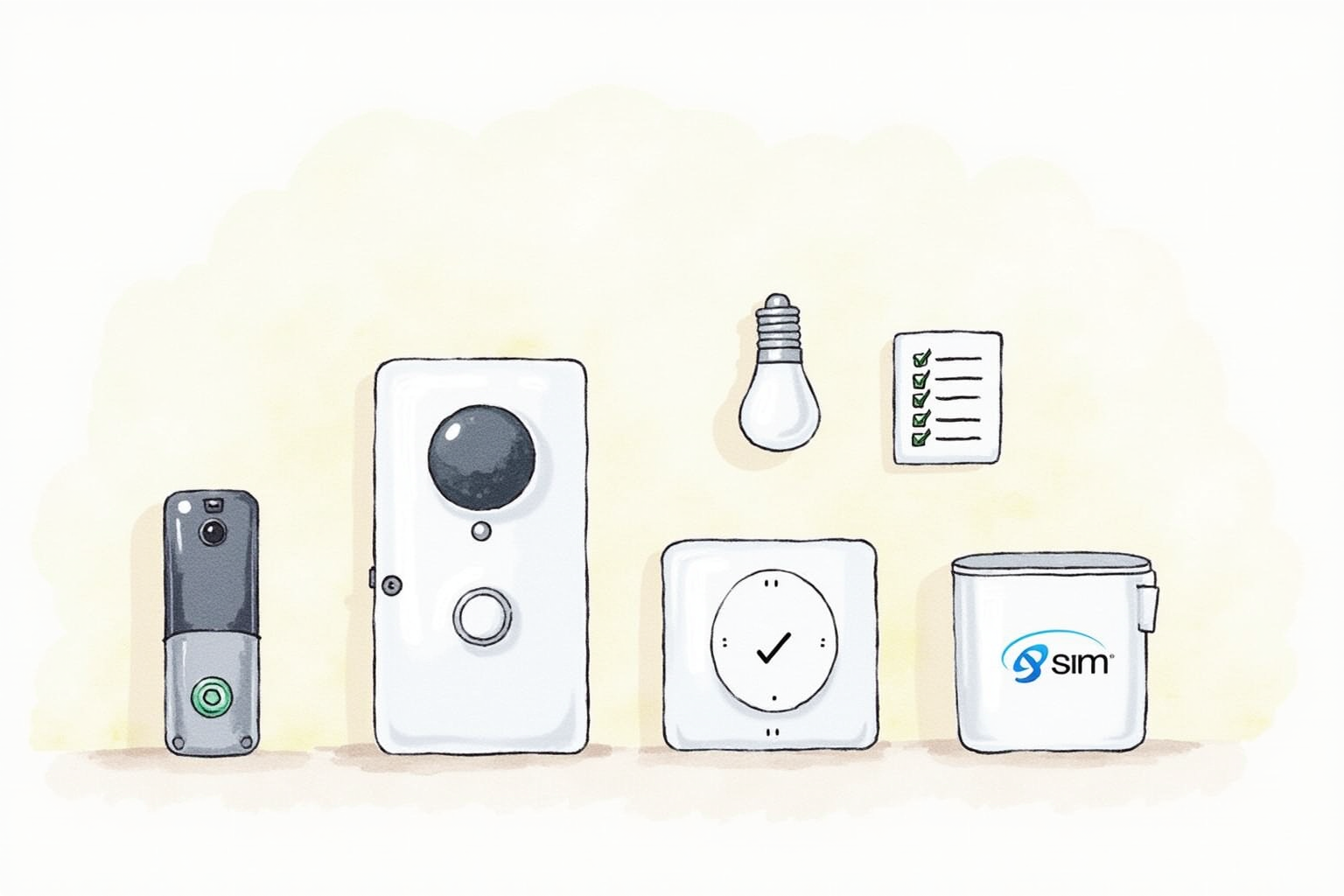
For every new IoT device joining your home network, work through these ten steps. The total time investment is 10-15 minutes per device.
1. Buy from established brands. Major brands (Google Nest, Apple HomeKit-certified, Amazon Ring, Arlo, Ecobee, Philips Hue, Wyze) maintain security teams and update infrastructure. Small Amazon Marketplace brands often do not. Pay 20 percent more for known brands; the security investment justifies it.
2. Check the manufacturer’s security update commitment. Look for explicit statements like “Security updates for 5 years from launch” on the product page or specifications. If the commitment is vague or absent, assume short support and adjust expectations accordingly.
3. Change default passwords immediately. Every IoT device ships with a default password printed on the device or in the manual. Change it during initial setup. Generate a unique strong password via your password manager. Bots scan for devices using default credentials within hours of network exposure.
4. Enable automatic firmware updates if available. Most major-brand devices support this. Enable it in the device’s app. The convenience of “set and forget” patching meaningfully exceeds the rare disruption from a buggy update.
5. Place device on isolated network. Use your router’s guest network or a dedicated IoT VLAN. The device should connect to the internet for normal operation but should not be able to reach your main computers, phones, or NAS. If the device gets compromised, isolation limits the damage.
6. Disable unused features. Many IoT devices ship with all features enabled. Disable cloud recording on cameras if you only use local storage. Disable voice assistant integration if you do not use it. Each disabled feature reduces attack surface.
7. Review and minimize app permissions. The device’s companion app on your phone typically requests broad permissions (location, contacts, notifications, microphone). Grant only what is strictly needed. Camera apps often work without contact access; doorbell apps often work without location access.
8. Set up two-factor authentication on the manufacturer account. Your account that controls the device should require 2FA. SMS-based 2FA is acceptable for IoT; authenticator app is better. Account takeover of your manufacturer account gives an attacker full control of your devices and access to recorded data.
9. Audit recorded data and sharing settings. Smart cameras and doorbells often default to sharing data with the manufacturer for “service improvement” and may share with law enforcement under various conditions. Review the privacy settings during setup and adjust to your comfort level.
10. Plan device replacement at end of support life. Track when each device’s security update commitment expires. Replace devices that are no longer updated rather than continuing to operate them in your home. End-of-life IoT devices are the most common entry point for home network attacks.
Network Isolation In Detail
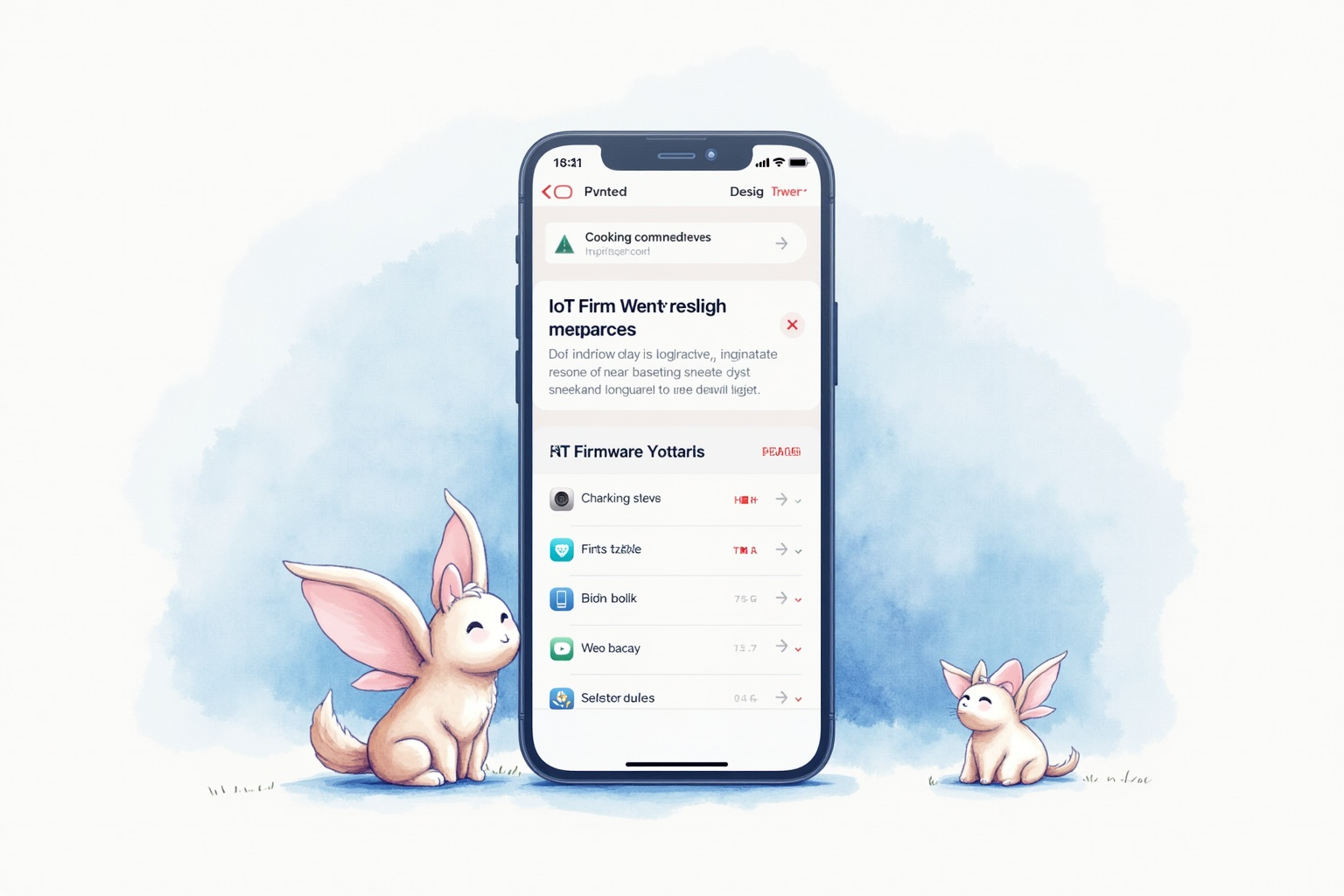
Network isolation is the single highest-impact security control for IoT devices. Two implementation paths work for most home networks.
Path 1 — Guest network with isolation enabled. Available on virtually every modern router. Enable the guest WiFi network, configure with a different SSID and strong password, and crucially enable “AP Isolation” or “Guest Network Isolation” which prevents devices on the guest network from communicating with each other or the main network. Connect all IoT devices to this guest network. Connect your computers, phones, and tablets to the main network.
Path 2 — VLAN segmentation. Available on prosumer routers (ASUS, Netgear higher tiers, Ubiquiti). VLANs provide more granular control — you can create separate VLANs for IoT cameras, smart speakers, and other categories with rules controlling what each can reach. Setup is more complex (typically 30-60 minutes for first-time configuration) but provides better security and management for households with many connected devices.
The simple guest-network path solves 90 percent of the problem with 10 percent of the effort. VLAN segmentation suits enthusiasts and households with 30+ connected devices.
Top Pick — Smart Home Hub With Strong Security

Apple HomePod / Home Hub via Matter
Price · $99-299 depending on speaker model
+ Pros
- · End-to-end encryption between devices and Apple servers
- · Matter standard support for cross-platform device compatibility
- · Local processing for most automation reduces cloud exposure
- · Strong privacy track record and transparent policies
− Cons
- · Apple ecosystem lock-in for some features
- · Higher price than Echo or Google Nest alternatives
Paid affiliate link. Price, availability, and ratings can change; verify details on the retailer page before buying.
For privacy-conscious users adopting smart home, Apple’s HomePod or Home Hub functionality on Apple TV provides the strongest security baseline. The end-to-end encryption between HomeKit-compatible devices and Apple servers means even Apple cannot see your camera recordings or door lock state. The Matter standard support enables cross-platform compatibility with non-Apple devices while maintaining the security baseline.
The honest trade is ecosystem lock-in. Some advanced features require Apple devices throughout. For households already in the Apple ecosystem, HomePod is the right hub. For households mixed across Apple, Android, and Windows, a Matter-only hub like Aqara M3 may better serve the cross-platform needs.
What To Avoid
Three IoT categories create the largest risk for typical home users. Cheap unbranded smart cameras (under 30 dollars from Amazon Marketplace) routinely ship with hardcoded credentials, no update mechanism, and known vulnerabilities — they are the consistent source of home network compromises. Generic smart bulbs from no-name brands often have weak security and short support lifespans. Used or refurbished IoT devices from secondary markets may be infected with malware from previous owners.
When To Replace IoT Devices
Three signals indicate it’s time to replace an IoT device. First, the manufacturer’s published security update timeline has expired. Second, the manufacturer’s company has shut down or been acquired with unclear ongoing support. Third, the device exhibits unusual behavior (lights cycling at odd times, camera notifications you did not configure) that suggests possible compromise. Replacement cost is generally far lower than the risk of running compromised IoT in your network.
Bottom Line
Smart home convenience and security can coexist with deliberate device selection and the 10-point checklist applied to each new device. Network isolation via guest WiFi or VLAN segmentation is the highest-impact single control. Buying from established brands with documented update commitments is the second-highest. Replace end-of-support devices proactively rather than continuing to operate them.
For more security topics see our home router security guide, antivirus testing, and device security category.