data-protection
Encrypted Cloud Backup Tested 2026: Backblaze vs IDrive vs pCloud Crypto
We backed up 500GB through three services. Encryption depth, restore speed, ransomware recovery scenarios, and the picks by data volume.
- Use source-backed steps before changing security settings.
- Prioritize MFA, updates, backups, segmentation, and phishing-resistant habits.
- Save only the guides you need; no account is required.
Cloud backup is the most practical defense against ransomware, hard drive failure, and disaster scenarios that destroy local storage. The market in 2026 has three distinct categories — unlimited backup at fixed pricing (Backblaze model), pay-by-storage with multi-device support (IDrive model), and zero-knowledge encrypted services (pCloud Crypto model). We backed up the same 500GB dataset to all three over six weeks, tested restore scenarios including ransomware simulation, and compared the encryption depth that differentiates services in 2026.
What Cloud Backup Actually Solves
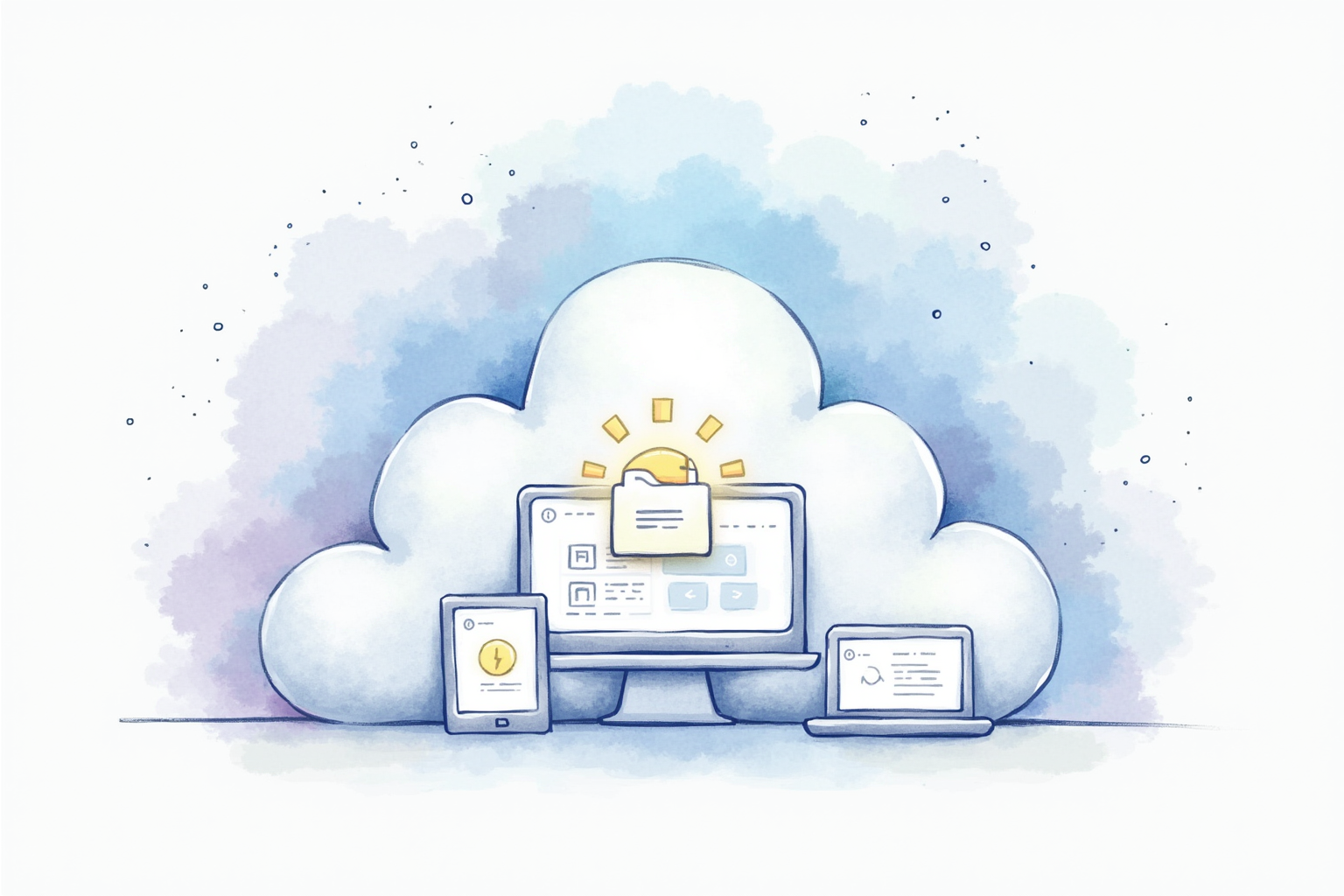
Three failure modes are realistically addressed by cloud backup. First, hardware failure — hard drives fail at predictable rates per Backblaze’s published reliability statistics, and the failure typically happens with little warning. Cloud backup separates data from the drive that fails. Second, ransomware encryption of local files — quality cloud backup maintains versioned copies that allow restoration to pre-attack state. Third, disaster destroying local hardware — fire, flood, theft, or other physical loss is recoverable when an off-site copy exists.
The 3-2-1 backup strategy (3 copies, 2 different media, 1 offsite) is the CISA-recommended structure. Most users implement this as primary device storage + external hard drive backup + cloud backup. Cloud backup alone is insufficient for routine restores (slow download speeds for large recovery) but essential for disaster scenarios where local copies are unavailable.
Top Pick — Best Value Unlimited Backup
Backblaze Personal Backup
Price · $99/year per computer for unlimited storage
+ Pros
- · Unlimited storage at flat annual rate
- · Hard drive restore option ships your data on physical drive
- · Strong AES-128 encryption with optional private key for zero-knowledge
- · 30-year proven track record and SOC 2 Type 2 certified
− Cons
- · Single-computer license — multi-device costs scale
- · Limited 30-day version history on default plan
Price, availability, and ratings can change; verify details on the retailer page before buying.
Backblaze is the right choice for most home users wanting comprehensive backup with predictable pricing. The unlimited storage at 99 dollars annually eliminates the storage-capacity decisions other services require. The hard drive restore option (Backblaze ships your data on a physical drive for emergency recovery) is the standout feature — restoring 500GB from cloud takes 2-4 days on typical residential connections, while physical drive shipping takes 1-3 business days regardless of data volume.
The encryption model deserves attention. Backblaze’s default uses provider-managed keys, which protects against typical breach scenarios but allows Backblaze to access your data if compelled. The optional private key mode enables zero-knowledge encryption — the provider cannot decrypt your data regardless of legal compulsion. Setting up private keys requires understanding that losing the private key permanently locks your backup; Backblaze cannot help recover it. Most users want the default mode; users with higher privacy needs configure private key after understanding the recovery implications.
Multi-Device Pick — Best For Households With Multiple Computers
IDrive Personal
Price · $80/year for 5TB or $100/year for 10TB
+ Pros
- · Backs up unlimited devices under single account
- · Includes mobile device backup for iOS and Android
- · Physical disk shipping for initial backup and restore
- · True archive feature preserves deleted files indefinitely
− Cons
- · Storage-capacity limit instead of unlimited
- · Interface less polished than Backblaze
Price, availability, and ratings can change; verify details on the retailer page before buying.
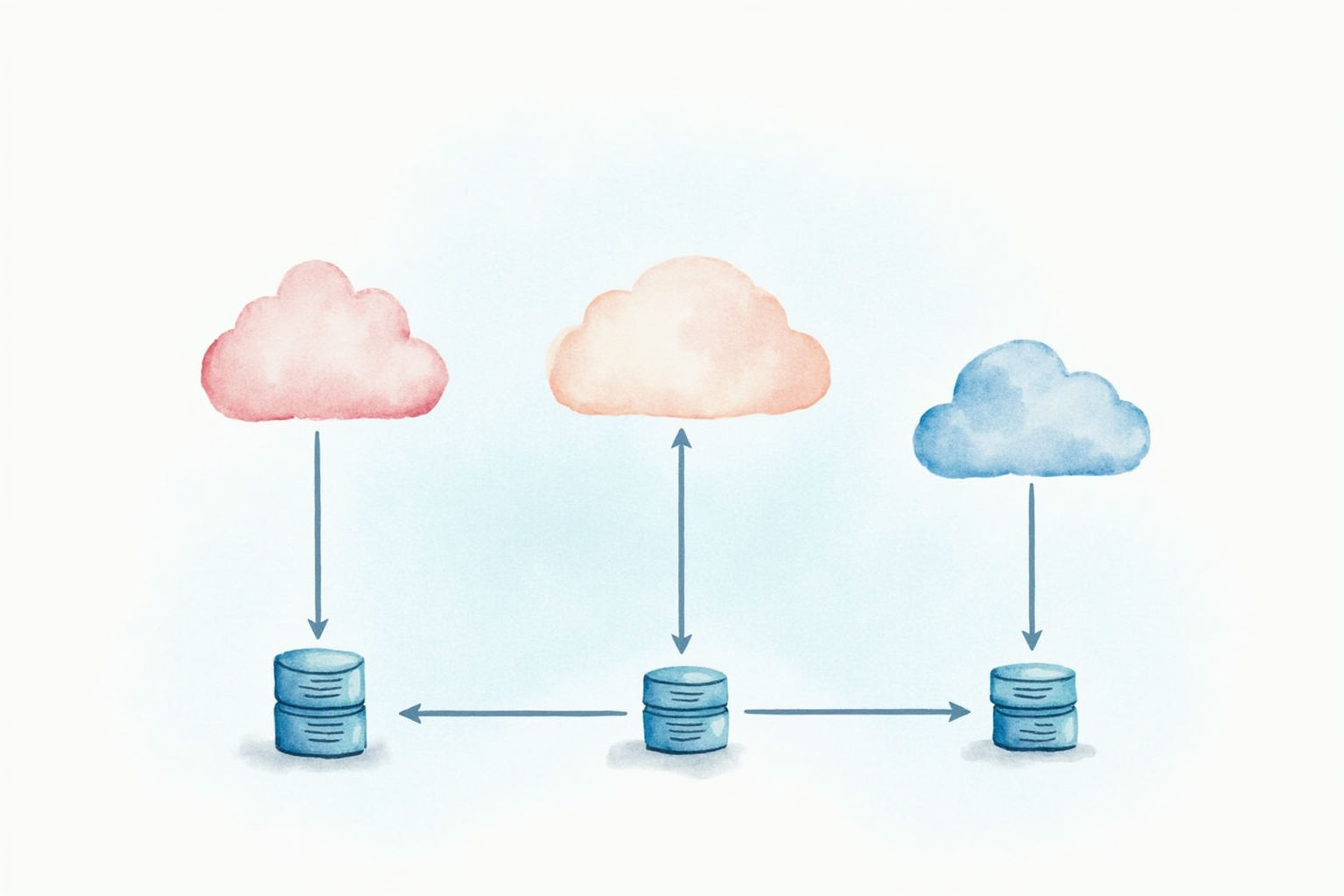
IDrive is the right choice for households with multiple computers and phones to back up. The single account covers unlimited devices, which means Mom’s laptop, Dad’s desktop, two kids’ computers, and four phones all back up to the same account at one fixed price. Backblaze charges per-computer which adds up; IDrive’s model is more economical for typical families.
The 5TB or 10TB storage cap is generous enough for typical households (photos, videos, documents combined). Initial backup via shipped physical disk (IDrive Express service) eliminates the days-long upload time for first-time setup. The true archive feature preserves deleted files indefinitely — a useful protection against the “I deleted that file last year and now need it” scenario that Backblaze’s 30-day retention does not cover. The honest limitation is interface polish; IDrive’s apps work but feel dated compared to Backblaze.
Privacy Pick — Strongest Zero-Knowledge Encryption
pCloud Crypto + Family Plan
Price · $50/year Crypto add-on + $20/month Family 2TB
+ Pros
- · Strongest zero-knowledge encryption in our test set
- · Files in Crypto folder cannot be decrypted without your password
- · EU-based (Swiss servers) outside Five Eyes intelligence sharing
- · Lifetime plans available for 10-year value pricing
− Cons
- · Crypto encryption requires separate add-on subscription
- · Smaller capacity tiers than Backblaze unlimited
Price, availability, and ratings can change; verify details on the retailer page before buying.
pCloud Crypto is the right choice for users prioritizing maximum privacy over cost optimization. The Crypto feature creates a special folder where every file is encrypted client-side before upload, with the encryption key derived from your master password and never transmitted to pCloud servers. This zero-knowledge model means even pCloud cannot access your encrypted files regardless of legal compulsion or server breach.
The Swiss server location adds regulatory privacy — Switzerland is outside Five Eyes intelligence sharing arrangements and has strong data protection laws. The combination of zero-knowledge encryption plus Swiss jurisdiction is the strongest practical privacy stack for cloud backup. The honest limitation is cost structure — the Crypto add-on is sold separately from the base storage subscription, making the total annual cost roughly double pCloud’s standard pricing. For users where privacy justifies the premium, the combination is the strongest available.
What To Avoid
Three cloud backup categories should not be your default. Free cloud storage services (Google Drive 15GB, OneDrive 5GB) are not backup tools — they sync rather than version, meaning ransomware encryption syncs to the cloud and destroys both copies. Single-vendor lock-in for backup (Apple iCloud Backup as sole backup) creates risk if the vendor changes policies or you switch ecosystems. Local-only NAS backup without offsite copy is insufficient for fire, flood, and theft scenarios.
Verification Strategy
Set up your backup, then verify it actually works through three checks performed quarterly. First, attempt a small file restore — pick any file from 30 days ago and restore to a temporary location to confirm the process works. Second, verify the file count matches your local system roughly — Backblaze shows file count statistics; significant mismatches indicate backup misconfiguration. Third, test from a different device occasionally — log into the cloud account from a phone or borrowed computer to confirm you can access your data without your primary device.
Untested backup is no backup. The recovery scenarios you face will be at the worst possible time; quarterly verification ensures the protection is real rather than theoretical.
Bottom Line
Backblaze for single-computer households wanting simplicity and unlimited storage. IDrive for multi-device households needing one subscription covering everything. pCloud Crypto for users prioritizing maximum privacy with zero-knowledge encryption. All three at appropriate plans land in the 100-200 dollar annual range — the cost of insurance against ransomware, hardware failure, and disaster.
For more data protection see our antivirus testing, secure file sharing, and data protection category.